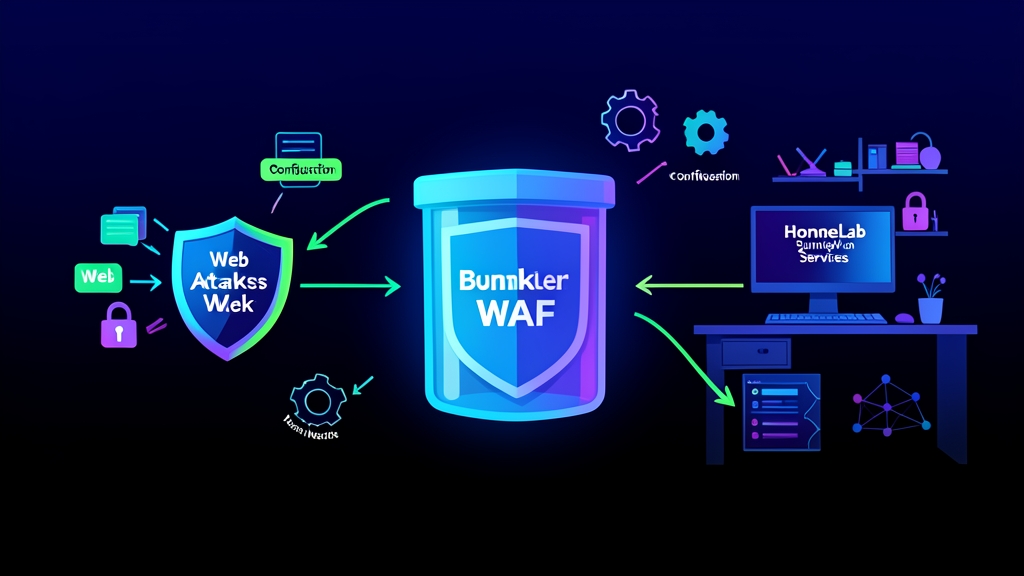
Quick Start (5 Min): Immediate Shield for Exposed Containers
Spinning up self-hosted dashboards, media managers, and automation tools makes any HomeLab fun and practical. But opening ports 80 and 443 turns your home IP into an automated firing range. Within 15 minutes of pointing a domain to your home IP, automated scanners from Shodan and Censys start knocking. Soon after, bots fire thousands of brute-force login attempts and exploit payloads at your router around the clock.
Most upstream home apps rely on lightweight runtime web servers—like Python WSGI, Node.js, or embedded Go binaries. These internal servers lack built-in bot defense, strict request filtering, and rate limiting. A standard reverse proxy like basic NGINX or Traefik routes traffic reliably, but it forwards HTTP payloads blindly without inspecting them.
You need an automated, container-aware Web Application Firewall (WAF) guarding the gate. BunkerWeb fills that gap. It inspects incoming HTTP and HTTPS traffic thoroughly before anything reaches your backend services.
Here is a minimal docker-compose.yml setup that pairs BunkerWeb with an autoconfiguration sidecar to shield an upstream container:
services:
  bunkerweb:
    image: bunkerity/bunkerweb:1.5.8
    container_name: bunkerweb
    ports:
      - "80:8080"
      - "443:8443"
    environment:
      - SERVER_NAME=lab.example.com
      - MULTISITE=yes
      - API_WHITELIST_IP=127.0.0.1 172.16.0.0/12
    networks:
      - bw-universe
      - bw-services
    restart: unless-stopped

  bw-autoconf:
    image: bunkerity/bunkerweb-autoconf:1.5.8
    container_name: bw-autoconf
    depends_on:
      - bunkerweb
    environment:
      - DOCKER_HOST=unix:///var/run/docker.sock
    volumes:
      - /var/run/docker.sock:/var/run/docker.sock:ro
    networks:
      - bw-universe
    restart: unless-stopped

  demo-app:
    image: nginxdemos/hello
    container_name: demo-app
    labels:
      - "bunkerweb.SERVER_NAME=lab.example.com"
      - "bunkerweb.USE_REVERSE_PROXY=yes"
      - "bunkerweb.REVERSE_PROXY_URL=/"
      - "bunkerweb.REVERSE_PROXY_HOST=http://demo-app:80"
    networks:
      - bw-services
    restart: unless-stopped

networks:
  bw-universe:
    ipam:
      driver: default
  bw-services:
    ipam:
      driver: default
Launch the stack with Docker Compose:
docker compose up -dThe autoconf sidecar queries the Docker socket, catches container labels on the shared network, and generates BunkerWeb configurations instantly. No configuration files to edit, and zero manual reloads.
Deep Dive: Architecture, ModSecurity, and Coraza Inspection
If you have ever tightened security headers on a HomeLab app, you know the drill: webhooks stop firing, desktop sync breaks, or false positives swamp your logs. Raw access logs rarely show clean errors. Instead, you see relentless probes testing for local file inclusion (LFI), SQL injection (SQLi), remote code execution (RCE), and cross-site scripting (XSS).
Standard network firewalls drop the ball here. Routers, pfSense, and OPNsense examine layer 3 and layer 4 packet headers, tracking source IPs and TCP states. But they cannot parse chunked HTTP transfers, decode nested URL-encoded directory traversals, or validate form field boundaries.
BunkerWeb packages NGINX with battle-tested WAF engines—ModSecurity, the OWASP Core Rule Set (CRS v3.3+), and Coraza. Operating as a reverse proxy, it scrutinizes every HTTP method, query parameter, header, and POST body before traffic ever touches your isolated internal Docker bridge.
How Packet and Payload Flow Works
- Ingress: Traffic hits BunkerWeb on ports 80 and 443. BunkerWeb terminates TLS on the spot using automated Let’s Encrypt certificates.
- Pre-filtering: IP reputation lists, known bad user-agent signatures, and GEOIP databases screen the client before deeper inspection.
- Deep Inspection: The OWASP CRS engine parses query parameters, request cookies, and body payloads for malicious signatures (such as
/etc/passwdtraversals orUNION SELECTinjections). - Behavior Tracking: Rate limiting and anti-crawl heuristics monitor hit rates across sliding time windows (for example, capping bursts to 20 requests per second).
- Proxied Upstream: Clean requests cross the
bw-servicesDocker network directly to the destination container. Malicious payloads receive an immediate 403 Forbidden response.
In practice, this pipeline adds less than 3 milliseconds of overhead to legitimate page loads. Meanwhile, it absorbs automated vulnerability scanners completely off your application stack.
Advanced Usage: Multi-Domain Setups, Challenge Pages, and Custom CRS Tuning
As your HomeLab expands—adding Nextcloud, an audio streaming server, Gitea, and home automation APIs—a single global WAF policy quickly fails. A strict profile tailored for a static blog will choke an S3 sync job or an API webhook that pushes raw JSON and base64 blobs.
Different self-hosted web apps have vastly different input signatures. Nextcloud sync clients and Git pushes regularly upload multipart binaries that trigger OWASP CRS anomaly limits if treated like normal form inputs.
BunkerWeb solves this cleanly through per-service container labels. Here is a battle-tested configuration featuring automated SSL, a JavaScript anti-bot challenge page, and a dedicated rate limit on an API endpoint:
services:
  custom-webapp:
    image: my-internal-app:latest
    container_name: custom-webapp
    labels:
      - "bunkerweb.SERVER_NAME=vault.example.com"
      - "bunkerweb.AUTO_LETS_ENCRYPT=yes"
      - "bunkerweb.USE_REVERSE_PROXY=yes"
      - "bunkerweb.REVERSE_PROXY_URL=/"
      - "bunkerweb.REVERSE_PROXY_HOST=http://custom-webapp:3000"
      - "bunkerweb.USE_BAD_BEHAVIOR=yes"
      - "bunkerweb.USE_ANTIBOT=javascript"
      - "bunkerweb.LIMIT_REQ_URL_1=/api/.*"
      - "bunkerweb.LIMIT_REQ_RATE_1=10r/s"
      - "bunkerweb.MODSECURITY_CUSTOM_RULE_1=SecRuleEngine DetectionOnly"
    networks:
      - bw-services
    restart: unless-stopped
Pay special attention to USE_ANTIBOT=javascript. When basic scrapers hit this endpoint, BunkerWeb serves a lightweight JavaScript challenge script before granting an session cookie. Headless scrapers and basic Python requests scripts fail right here, saving your CPU cycles and memory.
Practical Tips: Tuning False Positives, Logging, and Real-World Maintenance
Turning on an aggressive WAF without testing almost guarantees a self-inflicted outage. You save a complex Markdown post or upload a system config, and the WAF abruptly slaps you with an HTTP 403 error.
This happens because the OWASP Core Rule Set uses anomaly scoring. Legitimate admin tasks often trigger rules against LFI or XSS when payloads contain shell commands, XML fragments, or filesystem paths.
Follow these field-tested practices to keep services online and secure:
- Run Detection Mode First: Never deploy blocking mode on a live service right away. Add
bunkerweb.MODSECURITY_MODE=DetectionOnlyto your container labels and let it run for 48 to 72 hours. Audit your logs to pinpoint benign alerts before switching the engine toOn. - Inspect Rejections with Docker Logs: When an operation gets blocked, extract the exact rule ID:
docker logs bunkerweb 2>&1 | grep -i "ModSecurity: Access denied"The log outputs the triggered rule ID (like id "941100") and the matched parameter. Instead of disabling security across the board, whitelist just that specific rule ID on the affected container using bunkerweb.MODSECURITY_DISABLE_RULE_1=941100.
- Preserve Real Client IPs: Running BunkerWeb behind Cloudflare, an external VPS tunnel, or a reverse proxy makes all visitors look like they originate from the proxy’s IP. Restore true client IPs in BunkerWeb’s environment:
      - USE_REAL_IP=yes
      - REAL_IP_FROM=173.245.48.0/20,103.21.244.0/22
      - REAL_IP_HEADER=CF-Connecting-IP
If you skip this step, a single misbehaving client can trigger your rate limit and ban Cloudflare’s entire edge IP block. That takes down access for every legitimate remote user at once.
With Docker labels handling service discovery and ModSecurity parsing payload internals, you get enterprise-grade defense right inside your home rack.