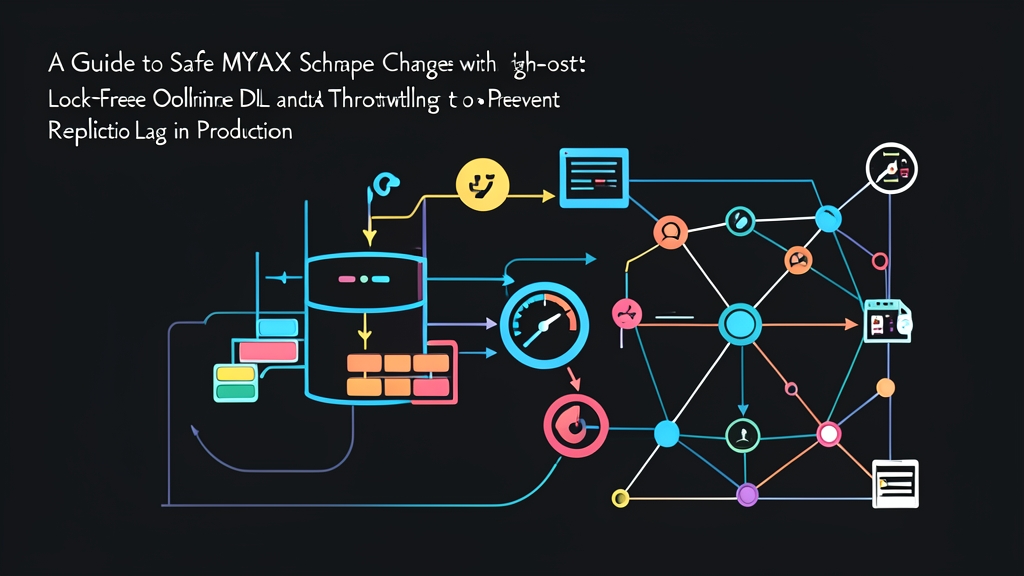
Context & Why: The Production Table Alteration Dilemma
Running an ALTER TABLE on an active table with tens of millions of rows can easily bring down your production database. Even with InnoDB Online DDL in modern MySQL releases, large schema changes still trigger metadata locks (MDL). These locks block client connection pools and cause replicas to fall severely behind.
The Problem: Unplanned Downtime and Replication Backlog
Consider a familiar incident: an engineering team needs to add an index and a JSON column to a 150-million-row orders table. A developer runs a standard DDL command. Within 45 seconds, application connection pools hit their 500-connection ceiling. Queries that normally return in 2 milliseconds pile up behind an exclusive metadata lock. At the same time, read replicas lag by over 600 seconds because schema updates on replicas execute through a single applier thread.
The Root Cause: Triggers and Lock Contention
Database administrators historically turned to trigger-based tools like pt-online-schema-change. While reliable under light loads, triggers execute synchronously within customer transactions. Every INSERT, UPDATE, or DELETE forces MySQL to run an additional trigger write into shadow tables. At 3,000+ writes per second, this overhead triggers lock contention, transaction deadlocks, and severe latency spikes.
GitHub engineered gh-ost (GitHub’s Online Schema Transmogrifier) to fix these architectural limits. Unlike trigger utilities, gh-ost never alters your transactional write path. Instead, it reads modifications asynchronously from the MySQL binary log (binlog) just like an external replica. It copies historical records in configurable batches and replays live events without adding synchronous lock overhead to production traffic.
Before executing schema changes on production, always test migrations against representative sample datasets. When transforming local test data or converting CSV dumps to JSON seed fixtures, toolcraft.app’s CSV to JSON converter runs locally in the browser so no sensitive records leave your machine.
Installation: Setting Up gh-ost and Database Privileges
gh-ost ships as a self-contained Go binary with zero external dependencies, making installation straightforward on any deployment host or bastion server.
Step 1: Download and Install the Binary
Fetch the release archive from GitHub Releases and place the binary in your system path:
# Download the Linux release
GH_OST_VERSION="v1.1.6"
curl -LO "https://github.com/github/gh-ost/releases/download/${GH_OST_VERSION}/gh-ost-binary-linux-amd64-${GH_OST_VERSION}.tar.gz"

# Extract and install binary
tar -xzf "gh-ost-binary-linux-amd64-${GH_OST_VERSION}.tar.gz"
sudo mv gh-ost /usr/local/bin/
sudo chmod +x /usr/local/bin/gh-ost

# Verify installation
gh-ost --version
Step 2: MySQL Prerequisites and Binary Log Settings
Because gh-ost reads mutations from the replication stream, row-based replication is mandatory. Confirm that your my.cnf or AWS RDS parameter group enables the following options:
[mysqld]
server-id                = 101
log-bin                  = mysql-bin
binlog_format            = ROW
binlog_row_image         = FULL
Step 3: Provisioning Database Privileges
Create a dedicated service user for gh-ost. Notice that unlike older migration tools, gh-ost does not require the TRIGGER privilege:
CREATE USER 'ghost_ops'@'%' IDENTIFIED BY 'StrongGeneratedPassword123!';

-- Stream binary log events and inspect replication health
GRANT REPLICATION CLIENT, REPLICATION SLAVE ON *.* TO 'ghost_ops'@'%';

-- Create shadow tables and manage data copies on target schema
GRANT SELECT, INSERT, UPDATE, DELETE, CREATE, DROP, ALTER, LOCK TABLES
ON production_db.* TO 'ghost_ops'@'%';

-- Required on MySQL 8.0+ for session variable overrides
GRANT SYSTEM_VARIABLES_ADMIN ON *.* TO 'ghost_ops'@'%';

FLUSH PRIVILEGES;
Configuration: Production Flags and Throttling Strategy
Safe migrations balance three factors: schema transformation logic, backfill velocity, and dynamic replica lag limits.
Dry Run and Inspection
Always inspect the execution plan first. Running gh-ost without --execute allows the tool to validate row keys, detect unsupported constraints, and simulate shadow table creation safely.
gh-ost \
  --host=db-primary.internal.local \
  --user=ghost_ops \
  --password='StrongGeneratedPassword123!' \
  --database="production_db" \
  --table="orders" \
  --alter="ADD COLUMN tracking_code VARCHAR(64) NULL, ADD INDEX idx_orders_tracking (tracking_code)" \
  --verbose
gh-ost checks the primary key structure and warns you if foreign key constraints exist. It estimates total runtime and exits cleanly without modifying live data.
Executing with Replication-Aware Throttling
When running against multi-replica clusters, migration jobs must back off automatically under database load. The following command limits replica delay to 1.2 seconds while monitoring database concurrency:
gh-ost \
  --host=db-primary.internal.local \
  --user=ghost_ops \
  --password='StrongGeneratedPassword123!' \
  --database="production_db" \
  --table="orders" \
  --alter="ADD COLUMN tracking_code VARCHAR(64) NULL, ADD INDEX idx_orders_tracking (tracking_code)" \
  --chunk-size=1500 \
  --max-lag-millis=1200 \
  --throttle-control-replicas="db-replica-01.internal.local,db-replica-02.internal.local" \
  --throttle-query="SELECT VARIABLE_VALUE FROM performance_schema.global_status WHERE VARIABLE_NAME='Threads_running' AND CAST(VARIABLE_VALUE AS UNSIGNED) > 40" \
  --serve-socket-file="/tmp/gh-ost.orders.sock" \
  --panic-flag-file="/tmp/ghost.panic.flag" \
  --initially-drop-ghost-table \
  --cut-over=atomic \
  --execute
Understanding Key Configuration Options
--chunk-size=1500: Copies data in 1,500-row segments. Lower this to 500 on write-heavy tables to minimize row-level lock hold times.--max-lag-millis=1200: Halts chunk copying whenever replication lag exceeds 1,200 ms on any target replica.--throttle-query: Pauses backfills if the query returns any result row. Here, it pauses whenever active worker threads exceed 40.--serve-socket-file: Listens on a Unix socket, letting operators inspect or retune migration settings in real time.--cut-over=atomic: Uses a locked two-table swap (RENAME TABLE orders TO _orders_del, _orders_gho TO orders) so no transactions get dropped during cut-over.
Verification & Monitoring: Keeping Migrations Predictable
Never let long-running schema changes run unmonitored. Operators need direct insight into chunk copy rates, throttling states, and cut-over timing.
Dynamic Socket Control
Because the command specifies --serve-socket-file, you can adjust migration behavior on the fly using standard Unix utilities like nc (Netcat):
# Inspect migration progress and current ETA
echo "status" | nc -U /tmp/gh-ost.orders.sock

# Lower chunk size during peak application traffic
echo "chunk-size=500" | nc -U /tmp/gh-ost.orders.sock

# Pause the row-copy phase entirely while a bulk payment batch runs
echo "throttle" | nc -U /tmp/gh-ost.orders.sock

# Resume backfilling once the traffic burst subsides
echo "no-throttle" | nc -U /tmp/gh-ost.orders.sock
Monitoring Lag and Heartbeat Logs
During the migration phase, gh-ost outputs progress snapshots directly to standard output:
Copy: 42,150,000/152,000,000 27.7%; ETA: 3h12m; State: migrating; Current lag: 180ms; Replica lag: 210ms
Copy: 42,151,500/152,000,000 27.7%; ETA: 3h11m; State: throttled (replica db-replica-01 lag: 1350ms > 1200ms)
Copy: 42,151,500/152,000,000 27.7%; ETA: 3h14m; State: migrating; Current lag: 140ms; Replica lag: 320ms
When lag on db-replica-01 spiked to 1,350 ms, gh-ost automatically suspended row copy operations. Once lag fell back under 1,200 ms, copying resumed seamlessly.
Verifying the Atomic Cut-Over
Once the backfill reaches 100%, gh-ost flushes remaining binlog events, swaps the tables atomically, and finishes the migration:
-- Inspect the updated table structure on the primary instance
SHOW CREATE TABLE production_db.orders\G

-- Confirm index creation and cardinalities
SHOW INDEX FROM production_db.orders WHERE Column_name = 'tracking_code';
By default, gh-ost preserves the original table as _orders_del. This provides an immediate fallback if your application surfaces unexpected query incompatibilities. After verifying query performance over a 24-hour cycle, drop the residual table during off-peak hours:
DROP TABLE IF EXISTS production_db._orders_del;
Binlog-based migration makes altering multi-gigabyte tables predictable and safe. With tunable chunk sizes, proactive lag monitoring, and dynamic socket adjustments, you can deploy schema updates without risking application timeouts or replica crashes.