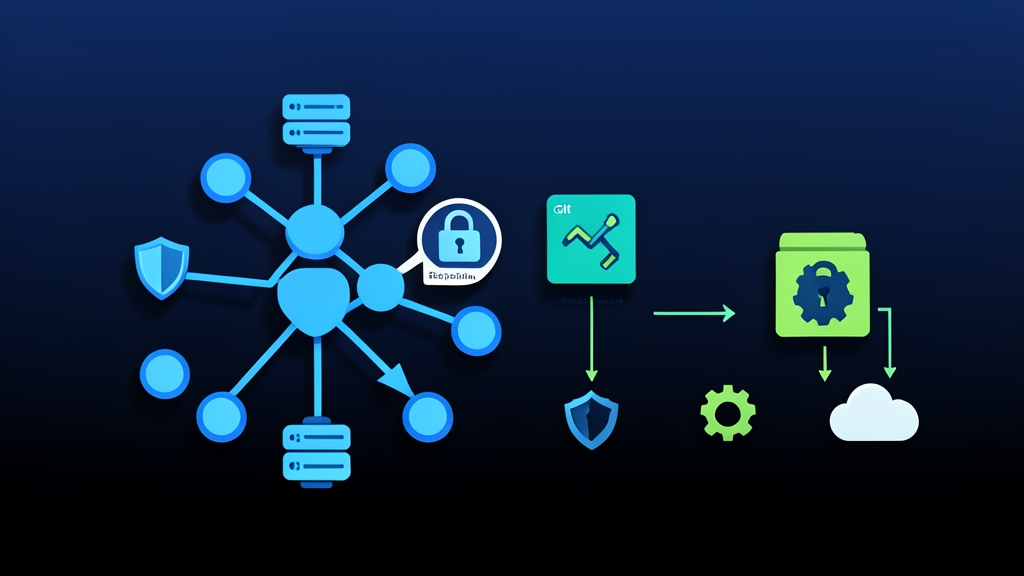
Context & Why: Solving the GitOps Secret Dilemma
GitOps treats your Git repository as the single source of truth for your infrastructure. Continuous delivery engines like ArgoCD or Flux reconcile cluster state against manifests pushed to main. Yet standard Kubernetes Secret manifests present a glaring vulnerability: base64 encoding is merely obfuscation, not encryption. Pushing unencrypted secret manifests exposes production database passwords, Stripe API keys, and private TLS certificates to anyone who can clone the repository.
Complex architectures like HashiCorp Vault with sidecar injectors or External Secrets Operator work well for sprawling platforms, but they introduce heavy operational overhead. Bitnami Sealed Secrets tackles this problem with an elegant asymmetric encryption model.
Developers encrypt a standard Kubernetes Secret locally using the cluster controller’s 4096-bit RSA public key. The resulting custom resource, a SealedSecret, is completely safe to commit to a public or private GitHub repository. Only the controller running inside your cluster possesses the private key needed to unseal it back into an active Kubernetes Secret.
In production pipelines, this pattern keeps encrypted secrets right next to their application deployment manifests. Rollbacks remain atomic. You eliminate risky out-of-band secret creation scripts and prevent configuration drift between environments.
Installation: Deploying the Controller and Client
Sealed Secrets consists of two lightweight components: the cluster operator and the workstation CLI (kubeseal).
1. Deploying the Controller
On initial startup, the controller checks for an existing key pair. If none exists, it generates a fresh 4096-bit RSA key pair and stores it as a regular Kubernetes Secret inside the release namespace. Deploy the controller into a system-level namespace like kube-system using Helm:
# Add the Sealed Secrets Helm repository
helm repo add sealed-secrets https://bitnami-labs.github.io/sealed-secrets
helm repo update

# Install the controller into kube-system
helm install sealed-secrets-controller sealed-secrets/sealed-secrets \
  --namespace kube-system \
  --set-string ingress.enabled=false
Wait roughly 10 seconds for the pod to settle, then confirm the controller generated its initial key pair:
kubectl get pods -n kube-system -l app.kubernetes.io/name=sealed-secrets
kubectl logs -n kube-system -l app.kubernetes.io/name=sealed-secrets | grep -i "key"
2. Installing the kubeseal CLI
Engineers run the kubeseal binary locally or inside GitHub Actions runners to encrypt payloads without querying live cluster APIs.
# Install kubeseal on Linux (AMD64)
KUBESEAL_VERSION="0.28.0"
curl -L "https://github.com/bitnami-labs/sealed-secrets/releases/download/v${KUBESEAL_VERSION}/kubeseal-${KUBESEAL_VERSION}-linux-amd64.tar.gz" | tar -xvzf -
sudo install -m 755 kubeseal /usr/local/bin/kubeseal

# Confirm the binary is accessible
kubeseal --version
Pro Tip: Never require developers to maintain live cluster access just to encrypt config files. Fetch the public certificate once and commit it to your repository or bake it into CI runner images:
kubeseal --fetch-cert \
  --controller-name=sealed-secrets-controller \
  --controller-namespace=kube-system > pub-sealed-secrets.pem
Configuration: Encrypting and Scoping Secrets
Scoping errors cause most decryption headaches. Bitnami Sealed Secrets offers three distinct security scopes that control where a secret can unpack:
- strict (default): Locks decryption to the exact secret name and target namespace. Renaming the secret or moving the manifest to another namespace will immediately break decryption.
- namespace-wide: Permits renaming the secret, but locks it to the specified namespace.
- cluster-wide: Allows applying the decrypted secret under any name across any namespace in the cluster. Use this sparingly for shared configs like wildcard SSL certificates.
Step-by-Step Encryption Example
First, generate a standard Secret manifest using a local client-side dry run. Avoid applying this raw manifest to the cluster.
# Generate a raw manifest locally without touching the API server
kubectl create secret generic db-credentials \
  --from-literal=DB_USER=postgres \
  --from-literal=DB_PASSWORD="4f8a9e2b!C7x#9Lq" \
  --namespace=backend \
  --dry-run=client -o yaml > raw-secret.yaml
Next, encrypt the file into a SealedSecret using your stored public certificate. We explicitly enforce --scope=strict here:
kubeseal --format=yaml \
  --cert=pub-sealed-secrets.pem \
  --scope=strict < raw-secret.yaml > sealed-db-credentials.yaml

# Immediately overwrite and remove the unencrypted file
shred -u raw-secret.yaml
The output file sealed-db-credentials.yaml contains AES-GCM encrypted ciphertexts wrapped in RSA envelopes:
apiVersion: bitnami.com/v1alpha1
kind: SealedSecret
metadata:
  name: db-credentials
  namespace: backend
spec:
  encryptedData:
    DB_PASSWORD: AgB+x0aB8...[TRUNCATED_CIPHERTEXT]...
    DB_USER: AgCv19Pz...[TRUNCATED_CIPHERTEXT]...
  template:
    metadata:
      name: db-credentials
      namespace: backend
Updating an Existing SealedSecret
Need to rotate a single password? You do not have to rebuild the entire manifest from scratch. Use --merge-into to update individual keys in place:
kubectl create secret generic db-credentials \
  --from-literal=DB_PASSWORD="UpdatedPass_2026_xYz" \
  --namespace=backend \
  --dry-run=client -o yaml | \
  kubeseal --format=yaml --merge-into sealed-db-credentials.yaml --cert=pub-sealed-secrets.pem
Verification & Monitoring: Decryption Checks and Rotation
After your GitOps tool applies the manifest to the cluster, verify that the controller decrypted the payload and created the downstream Secret object.
1. Inspecting Controller Operations
Check the custom resource condition:
kubectl get sealedsecret db-credentials -n backend -o yamlScan for the status.conditions block. Successful unsealing shows Type: Synced and Status: "True" within 2 to 5 seconds. If unsealing fails—often from a namespace typo under strict scope—the condition explicitly details the decryption error.
Confirm the target secret exists and inspect its unsealed contents:
kubectl get secret db-credentials -n backend
kubectl get secret db-credentials -n backend -o jsonpath="{.data.DB_USER}" | base64 --decode
2. Key Backup and Operational Runbooks
Treat controller private keys as disaster recovery tier-1 assets. If you lose the active private key during a disaster recovery rebuild, every single SealedSecret manifest in your Git history becomes unrecoverable garbage.
- Back up the private keys immediately: Export the active key secret and store it in an offline password manager or managed secret vault:
kubectl get secret -n kube-system \
  -l sealedsecrets.bitnami.com/sealed-secret-key=active \
-o yaml > sealed-secrets-key-backup.yaml- Automatic Key Rotation: Sealed Secrets rotates its active signing key every 30 days by default. The controller keeps older private keys alive on the cluster to decrypt historical payloads. When restoring a cluster from bare metal, restore every backed-up private key secret before deploying application repositories.
- Prometheus Monitoring: The controller exposes metrics on port
8080/metrics. Configure an alert rule onrate(sealed_secrets_controller_unseal_errors_total[5m]) > 0. This catches corrupted manifests or missing decryption keys long before customer-facing workloads fail.