The 2:14 AM PagerDuty Alert: When Legal Blocks Your Pipeline
At 2:14 AM, my phone buzzed on the nightstand with an urgent PagerDuty alert. A critical auth hotfix was queued for staging, but our GitHub Actions pipeline had ground to a sudden halt. The culprit wasn’t a broken integration test or an application crash. Our container security scanner (Trivy) flagged an immediate compliance block: CRITICAL: License policy violation detected for image redis:latest (RSALv2 / SSPLv1).
Our stack relied on Redis across 14 microservices for session storage, pub/sub messaging, and API rate limiting. For seven years, pulling redis:alpine in our Dockerfiles was standard practice. That night, an automated Dependabot bump pulled an image that crossed corporate legal redlines. Deployment stopped cold, and our release window was closing fast.
Root Cause: The License Shift That Broke CI Pipelines
The disruption started on March 20, 2024. Redis Ltd. abandoned the permissive BSD 3-Clause license in favor of a dual-license model: RSALv2 and SSPLv1. Neither license complies with the Open Source Initiative (OSI) definition of open source software.
The practical consequences hit engineering teams quickly:
- Commercial Hosting Restrictions: RSALv2 explicitly forbids providing the software as a competitive managed service. If you monetize a managed cache offering built directly on Redis, you breach the license.
- Automated Compliance Blocks: Enterprise security scanners like Trivy, Snyk, and Black Duck immediately classify SSPL and RSALv2 as non-compliant copyleft licenses. CI pipelines with license policy enforcement fail automatically.
- No Free Upstream Security Patches: Redis 7.2.4 was the final open-source version under BSD. All subsequent security patches, performance improvements, and bug fixes are locked behind the commercial license.
Our pipeline didn’t fail from a memory leak or a corrupted RDB dump. It stalled because our base image was no longer legally open source.
Evaluating the Alternatives: Four Paths Forward
On the emergency bridge call, our engineering team weighed four options:
1. Pin to Redis 7.2.4 Indefinitely
Freezing your Dockerfile at redis:7.2.4-alpine stops scanner warnings tonight. However, unmaintained software in production is a major operational risk. When a high-severity CVE hits the caching tier, you will receive no upstream backports without manually compiling and maintaining custom patches.
2. Purchase Redis Enterprise Licenses
Purchasing commercial licenses satisfies corporate legal requirements. Yet for teams running self-hosted nodes on Kubernetes or Docker, per-core or per-RAM licensing fees add thousands of dollars in surprise infrastructure overhead.
3. Switch to KeyDB or Dragonfly
Engines like KeyDB and Dragonfly deliver impressive multithreaded throughput. Dragonfly, for example, handles high-throughput workloads efficiently, but it uses the Business Source License (BSL), which still triggers legal review. KeyDB development has slowed, and subtle command incompatibilities can surface under heavy cluster operations.
4. Migrate to Valkey: The Community-Backed Successor
Within days of the license shift, the Linux Foundation launched Valkey with backing from AWS, Google Cloud, Microsoft, Oracle, and Ericsson. Forked directly from Redis 7.2.4 under the permissive BSD 3-Clause license, Valkey preserves 100% wire-protocol compatibility. Standard libraries—including ioredis, redis-py, and go-redis—work out of the box with zero application code changes.
The Fix: Deploying Valkey with Docker
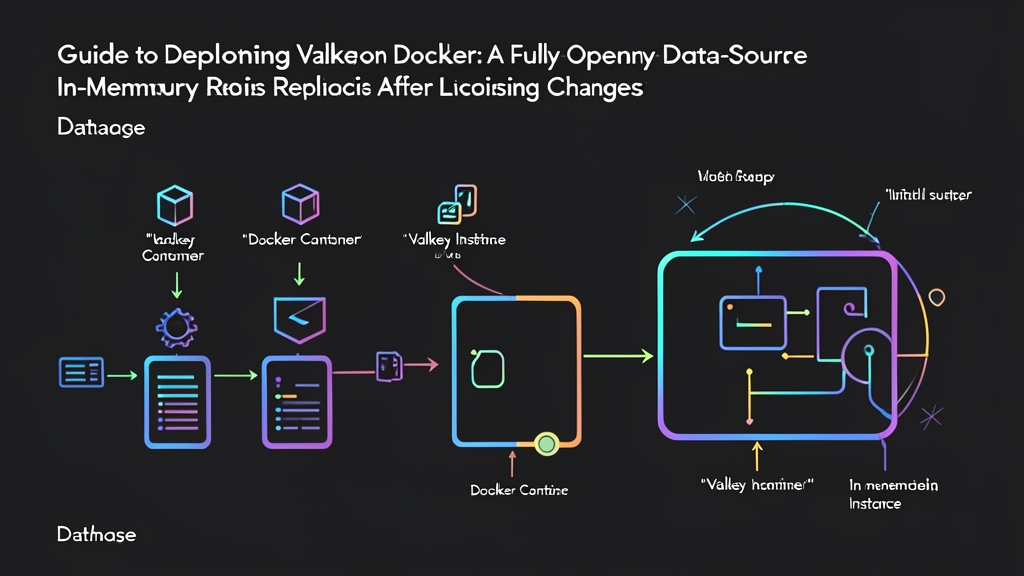
Replacing Redis with Valkey in our staging environment took roughly 15 minutes. Because Valkey preserves full RESP2 and RESP3 protocol parity, the migration on Docker requires only changing image references and daemon flags.
Step 1: Launch a Standalone Valkey Container
For local development or quick testing, pull the official Alpine build (~18MB compressed):
# Pull the official Valkey 8.0 Alpine image
docker pull valkey/valkey:8.0-alpine

# Run Valkey with persistence and a 2GB memory ceiling
docker run -d \
  --name valkey-production \
  -p 6379:6379 \
  -v valkey_data:/data \
  --restart unless-stopped \
  valkey/valkey:8.0-alpine \
  valkey-server --maxmemory 2gb --maxmemory-policy allkeys-lru --save 60 1 --appendonly yes
The daemon command is now valkey-server instead of redis-server. Every other parameter—from memory thresholds to persistence policies—remains identical.
Step 2: Production Setup with Docker Compose
Avoid running unconstrained containers in production. A dependable caching tier needs explicit RAM limits, local persistence, network isolation, and password authentication. Create this production-grade docker-compose.yml:
services:
  valkey:
    image: valkey/valkey:8.0-alpine
    container_name: app_valkey
    restart: always
    command: >
      valkey-server
      --requirepass SuperSecretProductionKey987!
      --maxmemory 4gb
      --maxmemory-policy volatile-lru
      --appendonly yes
      --appendfsync everysec
    ports:
      - "127.0.0.1:6379:6379"
    volumes:
      - valkey_storage:/data
    deploy:
      resources:
        limits:
          cpus: '2.0'
          memory: 4500M
        reservations:
          memory: 2048M
    healthcheck:
      test: ["CMD", "valkey-cli", "-a", "SuperSecretProductionKey987!", "ping"]
      interval: 10s
      timeout: 3s
      retries: 3
      start_period: 5s

volumes:
  valkey_storage:
    driver: local
Key architectural considerations:
- Loopback Binding: Binding to
127.0.0.1:6379prevents public exposure if a cloud firewall rule fails. - Memory Buffers: Setting
--maxmemory 4gbgives Valkey a firm eviction boundary. The container limit of4500Mreserves 500MB of breathing room for replication buffers and background AOF rewrites, preventing kernel OOM kills. - Healthchecks: Using
valkey-cli pingconfirms the cache can actively process queries before dependent microservices start routing live traffic.
Step 3: Verification and Application Compatibility
Launch the container and confirm healthy execution:
docker compose up -d
docker compose ps
Connect directly to the interactive CLI:
docker exec -it app_valkey valkey-cli -a SuperSecretProductionKey987!Run a few basic operations to verify protocol behavior:
127.0.0.1:6379> ping
PONG
127.0.0.1:6379> set user:1001:session "active_token_xyz" EX 3600
OK
127.0.0.1:6379> ttl user:1001:session
(integer) 3598
127.0.0.1:6379> get user:1001:session
"active_token_xyz"
127.0.0.1:6379> info server
# Server
valkey_version:8.0.1
os:Linux 6.6.54-alpine x86_64
arch_bits:64
multiplexing_api:epoll
Your application drivers do not require refactoring. Point your connection variables (such as REDIS_HOST) to the new container hostname, and your existing services will run seamlessly.
Bonus Workflow: Migrating and Seeding Test Data
During staging cutover, we had to ensure our cached session formats and serialized database payloads remained identical. When converting raw CSV exports or database tables into test fixtures, I use toolcraft.app/en/tools/data/csv-to-json.
It runs entirely inside the browser, so confidential tokens and user records never leave your workstation. We converted 50,000 legacy session rows into JSON fixtures, piped them through our seeding script, and verified that Valkey handled every query with identical sub-millisecond response times.
Back to Green in Under an Hour
By 2:48 AM, our staging build was completely green. Trivy cleared valkey/valkey:8.0-alpine with zero compliance violations. Our automated test suite passed all 420 checks without touching client libraries, and the hotfix deployed to production by 3:15 AM.
License changes can disrupt release pipelines overnight. With backing from the Linux Foundation and major cloud providers, Valkey delivers the speed, reliability, and familiar ecosystem of Redis—without the legal landmines.