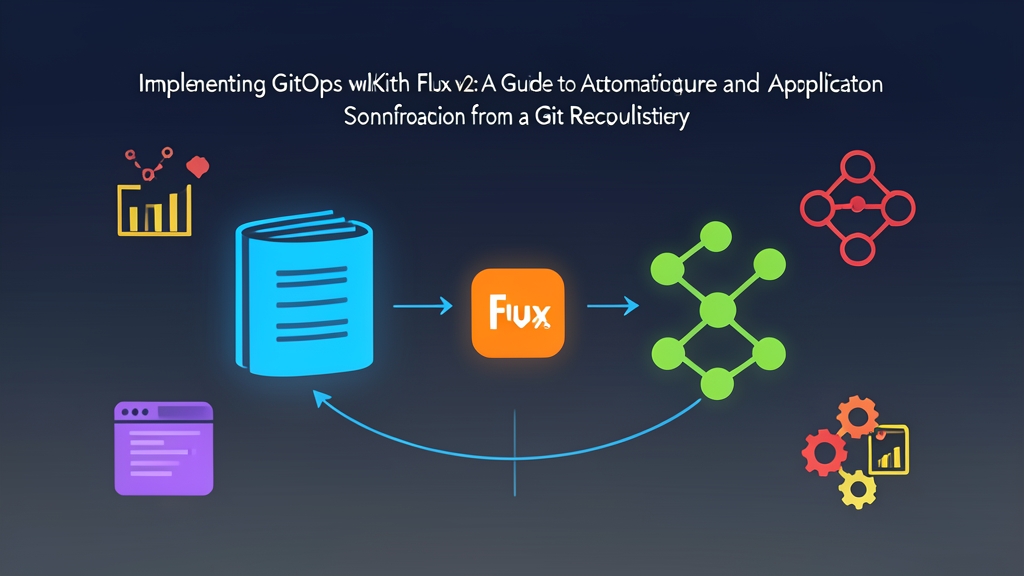
The Manual Deployment Headache: Why We Needed GitOps
Six months ago, our Thursday deployment windows were a mess. Four Kubernetes clusters—two staging and two production environments split across us-east-1 and eu-central-1—relied on GitLab CI runners pushing raw manifests through kubectl apply. When a deployment job timed out midway or an engineer patched a hotfix directly on a running pod at 2 AM, the cluster state drifted silently from Git. Nobody could verify what was actually running without inspecting the live cluster.
Security was just as messy. Fourteen developers held cluster-admin kubeconfig contexts on their local laptops, and our CI runners stored long-lived administrative tokens. Rollbacks during bad releases routinely took 45 minutes of manual manifest spelunking. We needed a clean break from push-based delivery, so we switched to GitOps: letting our clusters pull and reconcile their own state directly from a Git repository.
Core Concepts: Understanding Flux v2 Architecture
Flux v2 runs as a set of purpose-built Kubernetes controllers built on Custom Resource Definitions (CRDs). Instead of cramming everything into one heavy daemon, Flux assigns synchronization jobs to focused micro-controllers:
- Source Controller: Pulls from Git repositories, Helm registries, OCI artifacts, or S3 buckets. It packages contents into immutable tarballs and exposes them internally within the cluster.
- Kustomize Controller: Takes raw Kubernetes manifests or Kustomize overlays unpacked by the Source Controller and reconciles them against the live cluster state.
- Helm Controller: Manages Helm chart releases, upgrades, and test cycles declaratively using custom resources, eliminating the need to install the Helm CLI on CI build nodes.
- Notification Controller: Sends real-time rollout alerts to Slack or PagerDuty and listens for inbound webhooks so commits trigger instant reconciliations instead of waiting on the polling timer.
Because these controllers run inside your cluster, the sync engine pulls changes inward. Your external CI pipelines only need permission to push a commit to Git or publish an image tag. They never touch the Kubernetes API.
Hands-on Practice: Deploying Flux v2 from Scratch
Getting Flux running on a blank cluster takes less than ten minutes. Here is the field-tested workflow we used to bootstrap our fleet and launch our first automated workload.
Step 1: Install the Flux CLI and Verify Prerequisites
Install the standalone CLI on your local workstation. You will use it primarily for bootstrapping and quick debugging.
# On Linux/macOS via curl
curl -s https://fluxcd.io/install.sh | sudo bash

# Validate Kubernetes cluster compatibility (requires v1.28+)
flux check --pre
The pre-check verifies that your active kubeconfig context has cluster administrator rights and confirms your Kubernetes API version satisfies CRD requirements.
Step 2: Bootstrap Flux to a Git Repository
Bootstrapping installs the Flux controllers into the flux-system namespace. It also configures a dedicated Git repository that stores Flux configuration manifests alongside your application code.
export GITHUB_TOKEN="ghp_yourPersonalAccessTokenHere"
export GITHUB_USER="your-github-username"

flux bootstrap github \
  --owner=$GITHUB_USER \
  --repository=fleet-infra \
  --branch=main \
  --path=./clusters/production \
  --personal
Flux writes its controller definitions into ./clusters/production/flux-system, pushes them to GitHub, and sets up a deploy key. Within roughly 90 seconds, all core controller pods are up and running.
Step 3: Define a GitSource and Kustomization for Your Workload
Next, tell Flux where your workload lives and how to apply it. Clone your fleet-infra repository locally and create the app manifest directory:
git clone https://github.com/$GITHUB_USER/fleet-infra.git
cd fleet-infra
mkdir -p ./clusters/production/apps
Define your application repository in ./clusters/production/apps/webapp-source.yaml:
apiVersion: source.toolkit.fluxcd.io/v1
kind: GitRepository
metadata:
  name: webapp-source
  namespace: flux-system
spec:
  interval: 1m
  url: https://github.com/your-github-username/sample-webapp
  ref:
    branch: main
Now tell Flux how to deploy that source code in ./clusters/production/apps/webapp-kustomization.yaml:
apiVersion: kustomize.toolkit.fluxcd.io/v1
kind: Kustomization
metadata:
  name: webapp-deploy
  namespace: flux-system
spec:
  interval: 5m
  targetNamespace: default
  sourceRef:
    kind: GitRepository
    name: webapp-source
  path: "./k8s/overlays/production"
  prune: true
  wait: true
  timeout: 2m
Pay special attention to prune: true. This setting guarantees that when you delete a manifest in Git, Flux strips that resource from your cluster, preventing lingering orphan services and secrets.
Step 4: Commit and Inspect Reconciliation
Push these declarations to the repository:
git add clusters/production/apps/
git commit -m "feat: register webapp kustomization"
git push origin main
Flux polls the repository every minute by default, detects the change, and applies the manifests. You do not need to wait for the interval to expire; you can inspect the sync status immediately:
# Force an immediate sync
flux reconcile source git flux-system

# Inspect Git sources
flux get sources git

# Inspect Kustomization reconciliation and health checks
flux get kustomizations
Test self-healing yourself. Run kubectl scale deployment webapp --replicas=0 to simulate an accidental outage. Within minutes, the Kustomize controller spots the discrepancy and restores your desired replica count.
Reflections After Six Months in Production
Moving our delivery pipeline to Flux v2 transformed our day-to-day operations. Our deployment frequency climbed from two scheduled weekly windows to an average of 18 updates a day. Mean Time to Recovery (MTTR) dropped from 45 minutes to under 3 minutes; restoring a failed release is now as simple as executing git revert.
Most importantly, we revoked direct cluster access for 14 workstations and stripped admin tokens from our CI workers. Git is now our single source of truth, audit logs live in our commit history, and our clusters heal themselves when drift strikes.