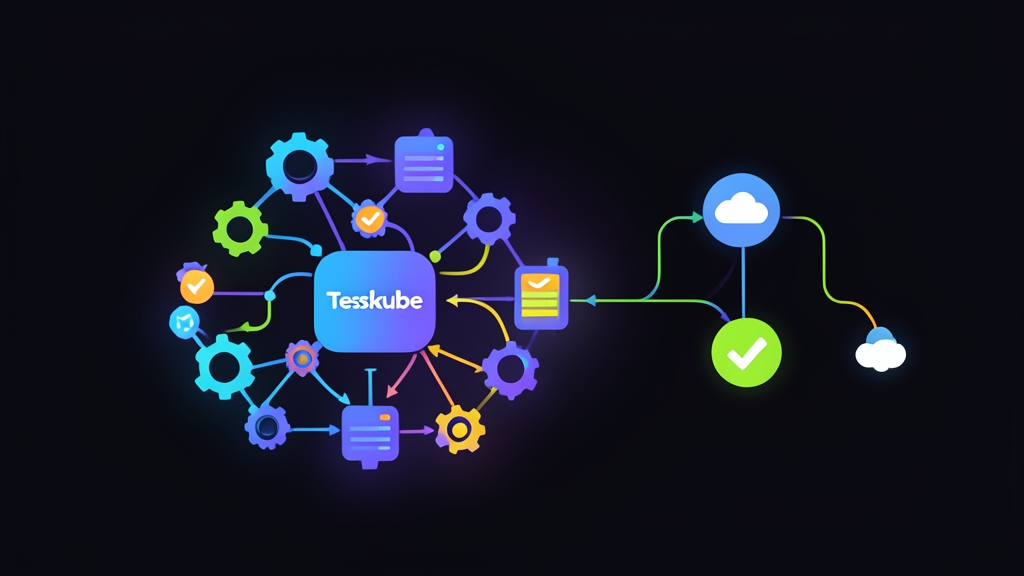
The Problem: Fragile CI/CD Pipelines and External Test Runners
Running integration tests against Kubernetes workloads usually turns into a networking nightmare. In typical CI/CD setups using GitHub Actions, GitLab CI, or Jenkins, test runners execute on VMs outside your Kubernetes cluster. Every test run must punch through firewalls, navigate internal routing, and authenticate against private APIs.
This architecture creates three immediate friction points:
- Expanded Attack Surface: Exposing internal databases, gRPC services, or staging microservices over public ingress just so an external runner can reach them violates basic zero-trust principles.
- Runner Bloat and Cold Starts: Ephemeral CI runners burn 4 to 8 minutes every build downloading 1.2 GB of browser binaries, Node runtimes, and local dependencies before running a single assertion.
- Flaky Network Timeouts: A brief 200 ms packet drop between an external runner and your cloud provider produces a false-negative failure. Engineers then spend 2 to 3 hours debugging infrastructure ghosts instead of shipping features.
Stop pulling cluster data out to your CI runner. Test orchestration belongs inside the cluster, right next to the services being tested.
Core Concepts: How Testkube Operates in Kubernetes
Testkube treats tests as first-class Kubernetes Custom Resource Definitions (CRDs). Instead of executing tests on external build servers, Testkube provisions isolated test pods directly on your cluster nodes, directly within your internal network overlay.
Three architectural components make this work:
1. Test Custom Resources
Testkube defines Custom Resources such as Test and TestSuite. Your test suites—whether authored in Playwright, Cypress, Postman, k6, or basic curl—live as declarative Kubernetes manifests alongside your application code in Git.
2. Dedicated Executors
An Executor is a purpose-built container image pre-packaged with a specific runtime. When triggered, Testkube schedules an ephemeral Kubernetes Job using the matching executor image. The pod resolves private DNS records like http://order-service.default.svc.cluster.local:8080 directly, writes logs and screenshots to MinIO or S3, and cleans itself up upon completion.
3. Decoupled CI/CD Pipelines
Your CI runner sheds hundreds of megabytes of test dependencies. Instead of orchestrating browsers or opening VPN tunnels, the pipeline issues a single trigger command to the Testkube controller via CLI, REST API, or GitOps reconciliation, then monitors the exit status.
Hands-on Practice: Deploying Testkube and Running In-Cluster Tests
Here is a complete walkthrough for installing Testkube on a local or cloud cluster (Kind, Minikube, or EKS) and executing an API test suite against an unexposed private service.
Step 1: Install Testkube CLI and the Cluster Controller
Install the Testkube CLI on your local workstation:
# Download and install the CLI binary
curl -sSLf https://get.testkube.io | bash

# Verify your CLI installation
testkube version
Next, install the Testkube control plane into your cluster with Helm. Enabling the embedded MinIO instance provides local storage for execution artifacts and test logs:
# Add the Kubeshop Helm repository
helm repo add kubeshop https://kubeshop.github.io/helm-charts
helm repo update

# Install the controller into the testkube namespace
helm install testkube kubeshop/testkube \
  --create-namespace \
  --namespace testkube \
  --set testkube-api.minio.enabled=true
Ensure that all controller pods reach the Running status:
kubectl get pods -n testkubeStep 2: Deploy an Isolated Test Service
Deploy a lightweight HTTP service to simulate an internal microservice without public routing:
# Deploy an internal echo server
kubectl create deployment http-echo --image=hashicorp/http-echo -- --text="healthy"
kubectl expose deployment http-echo --port=5678 --target-port=5678
This endpoint resolves only inside the cluster perimeter at http://http-echo.default.svc.cluster.local:5678. External requests cannot reach it.
Step 3: Define a Native Postman Test Collection
Save the following Postman collection as echo-test.json. It asserts that the internal service returns an HTTP 200 code with the payload healthy:
cat << 'EOF' > echo-test.json
{
  "info": {
    "name": "Internal Echo Test",
    "schema": "https://schema.getpostman.com/json/collection/v2.1.0/collection.json"
  },
  "item": [
    {
      "name": "Check Internal Service Status",
      "request": {
        "method": "GET",
        "header": [],
        "url": {
          "raw": "http://http-echo.default.svc.cluster.local:5678",
          "protocol": "http",
          "host": ["http-echo", "default", "svc", "cluster", "local"],
          "port": "5678"
        }
      },
      "event": [
        {
          "listen": "test",
          "script": {
            "exec": [
              "pm.test(\"Status code is 200\", function () {",
              "    pm.response.to.have.status(200);",
              "});",
              "pm.test(\"Body matches expected text\", function () {",
              "    pm.expect(pm.response.text()).to.include(\"healthy\");",
              "});"
            ],
            "type": "text/javascript"
          }
        }
      ]
    }
  ]
}
EOF
Register the test collection as a Testkube custom resource:
testkube create test \
  --name internal-echo-test \
  --type postman/collection \
  --test-content-type file-uri \
  --file echo-test.json
Inspect the generated manifest using kubectl to see how Kubernetes stores the definition:
kubectl get test internal-echo-test -o yamlStep 4: Execute the In-Cluster Test
Trigger the test run and stream the logs directly to your shell:
testkube run test internal-echo-test -fTestkube automatically schedules a Newman runner pod. The pod queries the local CoreDNS name, executes the assertions in less than 500 ms, streams execution metrics, and terminates:
Test execution started with ID: 673db812a4b8
Executing postman/collection test...

┌────────────────────────┬─────────────────────┬──────────────────┐
│ executed               │ total               │ failed           │
├────────────────────────┼─────────────────────┼──────────────────┤
│ iterations             │ 1                   │ 0                │
│ requests               │ 1                   │ 0                │
│ testScripts            │ 1                   │ 0                │
│ assertions             │ 2                   │ 0                │
└────────────────────────┴─────────────────────┴──────────────────┘

Test run was successful!
Step 5: Integrate with GitHub Actions
Because the cluster handles runtime dependencies, your CI workflow definition shrinks to under 30 lines. Add this workflow to .github/workflows/e2e.yaml:
name: Continuous Testing
on:
  push:
    branches: [ main ]

jobs:
  test:
    runs-on: ubuntu-latest
    steps:
      - name: Checkout Repository
        uses: actions/checkout@v4

      - name: Configure Kubernetes Context
        uses: azure/k8s-set-context@v3
        with:
          method: kubeconfig
          kubeconfig: ${{ secrets.KUBECONFIG }}

      - name: Install Testkube CLI
        uses: kubeshop/setup-testkube@v1

      - name: Run E2E In-Cluster Tests
        run: |
          testkube run test internal-echo-test --watch --timeout 180s
Notice what is missing: no Node.js setup actions, no browser caching steps, and no bastion tunnels. The CI runner simply delegates execution to the cluster and awaits the exit code.
Summary
Moving test execution into Kubernetes eliminates the twin headaches of public network exposure and overloaded CI nodes. Running test suites as native CRDs gives you faster feedback cycles, cleaner network isolation, and reliable pipelines that match how production microservices actually communicate.