The 2:14 AM Wake-up Call
My PagerDuty didn’t just beep; it screamed. A developer had pushed a 50GB dataset into an S3 bucket, but our brittle processing script failed to catch it. Downstream services sat idle, and our production pipeline ground to a halt. I spent the next 90 minutes manually punching commands into a terminal—work a machine should have handled in seconds. That night, I realized we couldn’t rely on cron jobs or luck. We needed a system that reacted to the environment in real-time.
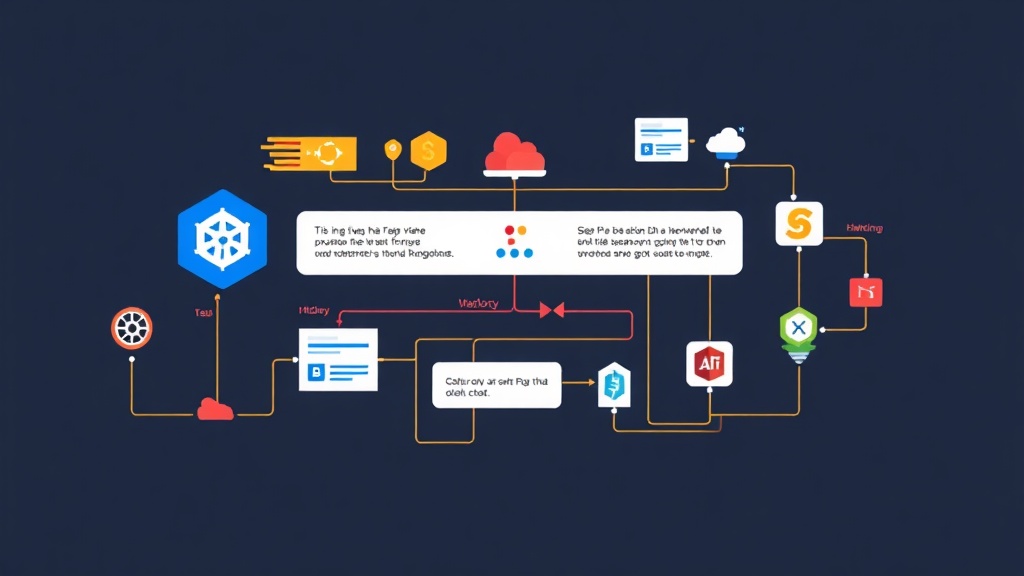
Argo Events bridges the gap between external signals and Kubernetes actions. It is a robust event-driven framework that triggers K8s objects, Argo Workflows, or serverless functions based on over 20 sources. Since implementing this 18 months ago, our team has seen a 90% reduction in manual intervention for data pipeline restarts.
Quick Start: Up and Running in 5 Minutes
Let’s get the controller running before we dive into the complex logic. You will need a Kubernetes cluster (v1.24+) and kubectl access.
1. Install Argo Events
First, create a dedicated namespace to keep your event infrastructure isolated. This manages the lifecycle of your event sources and sensors.
kubectl create namespace argo-events
kubectl apply -n argo-events -f https://raw.githubusercontent.com/argoproj/argo-events/stable/manifests/install.yaml
# The validating admission controller helps catch YAML errors early
kubectl apply -n argo-events -f https://raw.githubusercontent.com/argoproj/argo-events/stable/manifests/install-validating-webhook.yaml
2. Deploying the Event Bus
Think of the Event Bus as the nervous system of the setup. It transports messages between the source and the action. We’ll use NATS Jetstream for high availability.
apiVersion: argoproj.io/v1alpha1
kind: EventBus
metadata:
  name: default
  namespace: argo-events
spec:
  nats:
    native:
      replicas: 3
Apply this with kubectl apply -f eventbus.yaml. Your cluster is now ready to listen for external signals.
The Three Pillars of Event Automation
To move away from manual operations, you must understand how Argo Events structures its logic. It relies on three primary components: the EventSource, the Sensor, and the Trigger.
EventSource: The Listener
An EventSource is a long-running pod that watches the outside world. Whether it’s a GitHub PR, a file appearing in S3, or a message in a Kafka topic, the EventSource catches the signal. It then formats that signal as a CloudEvent and pushes it onto the Event Bus.
Sensor: The Logic Engine
The Sensor acts as the brain. It listens to the Event Bus and decides if an action is necessary. You can define complex dependencies here. For instance, you might only trigger a process if an S3 upload occurs AND a webhook confirms the metadata is valid.
Trigger: The Final Action
The Trigger defines the actual resource you want to create. While most teams use it to launch an Argo Workflow, it can also create standard Kubernetes Jobs or even fire off a Slack notification via a generic HTTP request.
Real-World Scenario: Automating S3 Data Pipelines
Imagine you need to validate data every time a CSV file hits a specific bucket. Manually checking this is impossible at scale. Instead, we can automate the entire flow with a few lines of configuration.
Example: S3 EventSource
This configuration monitors a specific bucket for s3:ObjectCreated:Put events. It reacts within milliseconds of a file upload.
apiVersion: argoproj.io/v1alpha1
kind: EventSource
metadata:
  name: aws-s3-event-source
spec:
  s3:
    example-bucket:
      bucket: my-data-science-input
      endpoint: s3.amazonaws.com
      events:
        - s3:ObjectCreated:Put
      region: us-east-1
      accessKey:
        name: aws-secret
        key: accessKey
      secretKey:
        name: aws-secret
        key: secretKey
The Sensor Logic
Next, we connect that S3 event to a Workflow. We use dataFilters to ensure the system only processes files ending in .csv, ignoring logs or temp files.
apiVersion: argoproj.io/v1alpha1
kind: Sensor
metadata:
  name: s3-sensor
spec:
  template:
    serviceAccountName: argo-events-sa
  dependencies:
    - name: s3-dep
      eventSourceName: aws-s3-event-source
      eventName: example-bucket
      filters:
        data:
          - path: "notification.s3.object.key"
            type: string
            comparator: ".*\\.csv$"
  triggers:
    - template:
        name: s3-workflow-trigger
        k8s:
          operation: create
          source:
            resource:
              apiVersion: argoproj.io/v1alpha1
              kind: Workflow
              metadata:
                generateName: s3-processing-job-
              spec:
                entrypoint: process
                templates:
                  - name: process
                    container:
                      image: my-docker-repo/processor:latest
          parameters:
            - src:
                dependencyName: s3-dep
                dataKey: notification.s3.object.key
              dest: spec.arguments.parameters.0.value
Battle-Tested Production Tips
Moving from a local lab to a production environment requires a shift in mindset. When events start flying at 100 per second, small configuration errors become major outages.
1. RBAC is the Silent Killer
If your Sensor isn’t launching Workflows, the culprit is almost always permissions. The Sensor pod needs a ServiceAccount with the authority to create and patch resources. I have lost countless hours troubleshooting “silent” failures that were just missing RBAC rules for workflows.argoproj.io.
2. Debugging the Pipeline
Always check the EventSource logs first. If you don’t see a JSON payload arriving there, your cluster isn’t even receiving the signal from AWS or GitHub. Use kubectl logs -f [eventsource-pod-name] to verify the handshake before you start tweaking your Sensor logic.
3. Enforce Idempotency
In distributed systems, “exactly-once” delivery is a myth. Events will be delivered twice eventually. Your workflows must be safe to run multiple times. I include a pre-flight check in my containers to see if the specific event-id or filename has already been logged in our tracking database.
4. Prevent Event Storms
A sudden burst of 1,000 file uploads can easily crash a cluster by spawning 1,000 simultaneous workflows. Use the filters section in your Sensor to narrow the scope. Additionally, set resource quotas on your namespace so that a spike in events doesn’t starve your core application services of CPU and memory.
Moving Forward
Adopting Argo Events fundamentally changed how my team handles infrastructure. We stopped being reactive fire-fighters and started building self-healing systems. By wiring S3, GitHub, and Webhooks directly into Kubernetes, you remove the human bottleneck. The initial YAML configuration takes effort, but the reward is a system that works while you sleep.