The Linux Audio Mess I Lived With
Half a year ago, my Linux setup felt like a constant tug-of-war. As an engineer who jumps between Zoom calls and weekend music production, I was stuck in the middle of the PulseAudio and JACK rivalry.
PulseAudio handled my daily notifications and Bluetooth headphones just fine, but it was a disaster for low-latency recording. Conversely, JACK gave me the precision I needed for DAWs like Bitwig, but it was a hardware hog. I couldn’t even watch a YouTube tutorial while working on a track because JACK refused to share my audio interface.
I was losing about 20 minutes every morning just getting my sound to behave. Troubleshooting Xruns and random server crashes became a frustrating daily ritual. The dream of a unified audio system felt miles away—until I finally committed to PipeWire.
The Fragmentation Trap: Why Audio Kept Breaking
Legacy systems fail because they have clashing priorities. PulseAudio was built for the average user, focusing on ease of use. However, it introduces a massive 200ms delay that makes real-time monitoring impossible. JACK, the pro-audio choice, offers sub-10ms latency but demands a static setup. It simply doesn’t play nice with consumer apps like Firefox or Spotify.
Trying to run both meant building fragile software bridges. These setups often ate up 10% of my CPU just to move data between servers. Even worse, they would often break completely after a minor system update. Bluetooth was another nightmare. High-quality codecs like LDAC were locked behind manual hacks and unstable modules.
Solutions Compared: PulseAudio vs. JACK vs. PipeWire
The difference lies in how these tools move data. PulseAudio ‘pushes’ audio in large chunks to save battery, which kills timing. JACK ‘pulls’ data at strict intervals. This is great for sync but causes audio ‘pops’ if your CPU spikes for even a millisecond.
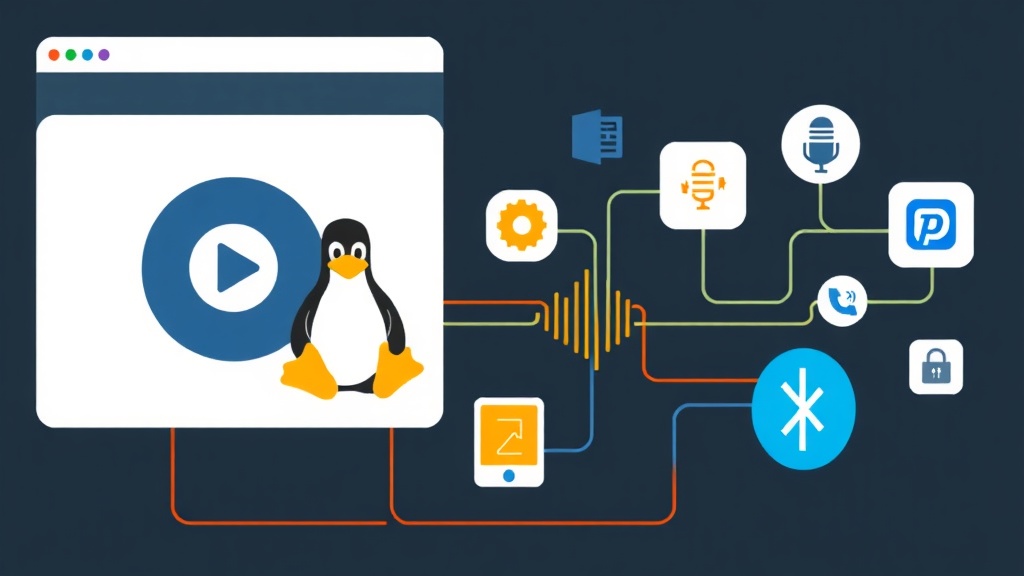
PipeWire handles things differently using a graph-based processing engine. It mimics whatever server your app wants to see. To Spotify, PipeWire looks like PulseAudio. To your DAW, it looks like JACK. Under the hood, it manages everything as a single, high-speed stream.
The Best Approach: Migrating to PipeWire
I’ve managed dozens of Linux servers over the last three years, and I’ve learned one rule: test everything first. Moving my workstation to PipeWire followed that same logic. I started by checking if my kernel version (5.15+) could handle the modern drivers.
Step 1: Installation and Conflict Management
If you’re on Ubuntu 22.04 or Fedora, PipeWire is likely already there. But it might not be doing the heavy lifting yet. You’ll need the session manager, WirePlumber, and the compatibility layers to make the switch official.
# For Debian/Ubuntu based systems
sudo apt update
sudo apt install pipewire-audio-client-libraries pipewire-pulse pipewire-jack wireplumber
Step 2: Activating the Services
Here is the best part: PipeWire runs as a user service. You don’t need root access to manage it day-to-day. First, you have to clear the way by disabling the old PulseAudio services.
# Disable PulseAudio
systemctl --user --now disable pulseaudio.service pulseaudio.socket
systemctl --user mask pulseaudio.service

# Enable PipeWire and WirePlumber
systemctl --user --now enable pipewire pipewire-pulse wireplumber
Step 3: Verifying the Setup
A quick restart later, and you can confirm PipeWire is running the show.
pactl info | grep "Server Name"
# Should output: Server Name: PulseAudio (on PipeWire 1.x.x)
Handling Pro Audio and Bluetooth Low Latency
The biggest win in my 6-month test was the Bluetooth performance. PipeWire includes a native plugin that supports LDAC out of the box. If you use Sony WH-1000XM5s or similar high-end cans, you’ll get 990kbps audio without touching a config file.
For those using interfaces like the Focusrite Scarlett 2i2, you can now set a global 48kHz sample rate with a 128-sample buffer. This gives you a rock-solid 5.3ms round-trip latency. I use **qpwgraph** to manage this visually. It lets me route my mic through a noise-canceling VST and straight into a browser meeting with zero hassle. Doing that used to require a degree in PulseAudio configuration.
The 6-Month Verdict
Is it perfect? Not 100%. Occasionally, an old JACK app needs a manual kick using the pw-jack command. However, the stability has been incredible. I haven’t seen an “Audio Device Busy” error in months. Switching from my DAW to a YouTube video is finally seamless.
If you’re still wrestling with PulseAudio or JACK, make the jump. It is the single most effective upgrade for a Linux desktop. It finally delivers on the promise of audio that just works, without stripping away the power pro users need.