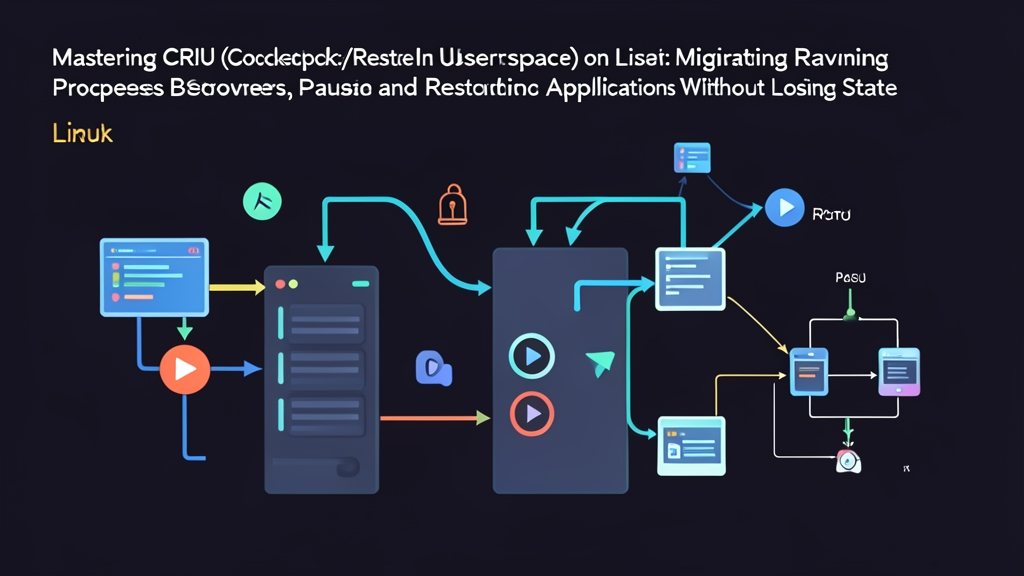
The Problem: What Do You Do with a 24-Hour Job When a Server Needs a Reboot?
Last spring, our team hit a recurring scheduling crunch during weekly kernel patch rollouts. We run batch feature extraction pipelines and matrix factorizations that hold 60 to 90 GB of state in memory and take 14 to 28 hours to finish. Whenever a physical hypervisor required a kernel upgrade or an emergency security patch, we faced a bad trade-off. We could either postpone mandatory OS patches, or kill hours of ongoing compute and restart everything from zero.
Standard service supervisors like systemd can restart crashed daemons cleanly. But a restart drops volatile RAM state instantly. If an uninstrumented Python worker spent 18 hours crunching through 200 million rows without checkpointing to disk, that work evaporated the second SIGTERM arrived. We needed snapshotting—similar to pausing a VM in KVM or VMware—applied directly to raw Linux processes without virtual machine overhead.
That is where CRIU (Checkpoint/Restore In Userspace) stepped in. After running it across 24 compute nodes over the past six months, we rely on it daily for live node evacuations, kernel maintenance, and zero-downtime reboots.
Core Concepts: How CRIU Freezes and Resurrects Linux Memory
CRIU inspects running processes from userspace using standard Linux kernel interfaces: ptrace, /proc, Netlink, and dedicated system calls. You don’t have to recompile your binaries or write custom state-saving hooks into your application code. CRIU captures the entire execution context as a point-in-time snapshot.
The Checkpoint Phase
When you trigger a dump command against a Target Process ID (PID), CRIU executes a four-stage capture sequence:
- Freezing the process tree: CRIU halts execution across the target process and its child threads using cgroups (specifically the freezer cgroup controller or cgroup v2
cgroup.freeze). - Injecting parasite code: Using
ptrace, CRIU injects a lightweight parasite binary payload into the stopped process’s address space. This payload queries internal kernel state, dumping CPU registers, virtual memory areas (VMAs), file descriptors, pipes, credentials, timers, and TCP socket states into Google Protocol Buffers (protobuf) image files on disk. - Capturing memory pages: CRIU scans
/proc/<PID>/pagemap, reads soft-dirty bit tracking flags (viaMEM_SOFT_DIRTY), and copies dirty RAM pages out to binary dump files. - Optional termination: Once CRIU commits all descriptors and memory pages to disk, it either issues a SIGKILL to clear the process out of memory or thaws it so it can keep running.
The Restore Phase
Restoring reverses the dump sequence. The criu restore binary reads the protobuf images, rebuilds the exact parent-child process tree, and requests the original PIDs from the kernel. Next, it recreates memory mappings, reopens file descriptors, and maps open pipes back to their endpoints.
For active network connections, CRIU sets the TCP_REPAIR socket option. This restores sequence numbers and window sizes, reviving the TCP connection without triggering a RST packet to the remote peer. Finally, it restores CPU registers, jumps the instruction pointer back to the exact opcode where it stopped, and resumes the threads.
Hands-on Practice: Checkpointing, Restoring, and Live Migration
Running CRIU against low-level kernel interfaces means you should always validate prerequisites on a staging instance first. In this walkthrough, we configure an Ubuntu 22.04 LTS node (Linux kernel 5.15+), freeze an active process, and migrate it across two hosts.
Step 1: Installing CRIU and Verifying Kernel Support
On modern Debian and Ubuntu distributions, CRIU ships in the default upstream repositories. Install it along with core diagnostic tools:
sudo apt-get update
sudo apt-get install -y criu

# Verify your running kernel supports all required CRIU subsystems
sudo criu check
If your kernel passes, CRIU prints Looks good. at the end. That confirms support for features like CONFIG_CHECKPOINT_RESTORE, CONFIG_MEM_SOFT_DIRTY, and kernel namespace isolation. If you see warnings about TCP repair, ensure you run commands with root privileges or have granted the CAP_SYS_ADMIN / CAP_CHECKPOINT_RESTORE capabilities.
Step 2: Creating a State-Sensitive Test Application
To test state preservation without external dependencies, spin up a lightweight Python worker that updates an in-memory counter every second:
cat << 'EOF' > loop.py
import time
import sys

counter = 0
while True:
    counter += 1
    print(f"[{time.strftime('%X')}] Processing iteration: {counter}", flush=True)
    time.sleep(1)
EOF

# Run the script in the background
python3 loop.py > output.log 2>&1 &
TARGET_PID=$!
echo "Worker started with PID: $TARGET_PID"
Monitor the log file to confirm it is incrementing as expected:
tail -n 5 -f output.logYou should see timestamps and iteration numbers ticking upward once per second.
Step 3: Freezing and Dumping to Disk
Create a dedicated directory to store the serialized state files, then instruct CRIU to capture the running worker:
mkdir -p /tmp/checkpoint_data

# Dump the process into the target directory and stop the original process
sudo criu dump -t $TARGET_PID \
  -D /tmp/checkpoint_data \
  --shell-job \
  --tcp-established
Here is what each flag tells CRIU:
-t $TARGET_PID: The process ID to freeze.-D /tmp/checkpoint_data: Destination directory for the generated protobuf image files.--shell-job: Allows checkpointing processes tied to an interactive shell session or inherited file descriptors.--tcp-established: Tells CRIU to lock and capture active TCP sockets viaTCP_REPAIR.
Now check the process table: ps aux | grep loop.py. The process is completely gone. Inspect /tmp/checkpoint_data, and you will find files such as core-$TARGET_PID.img, mm-$TARGET_PID.img, and pages-1.img. These hold the registers, mapped memory regions, and raw page frames.
Step 4: Restoring the Frozen Process
To bring the worker back to life on the same host:
sudo criu restore -D /tmp/checkpoint_data --shell-job &Inspect output.log once more:
tail -n 10 output.logThe counter resumes at the exact next integer without missing a single beat. The process even retains its original PID if that PID remained available in the system table.
Step 5: Migrating the Live Process to Another Server
Cross-server migration relies on standard network transport tools like rsync over a 10GbE network link or shared mounts (NFS, Ceph).
Requirements for a clean transfer:
- Matching CPU architecture on both hosts (for example, identical x86_64 instruction sets).
- Compatible kernel versions with checkpoint-restore options compiled in.
- Identical absolute file paths for binaries, libraries, and working directories.
- The original PID must be available on Node-B, or the process must run inside a container PID namespace.
# 1. On Node-A: Checkpoint the process into an image directory
sudo criu dump -t $TARGET_PID -D /tmp/node_migration --shell-job

# 2. Sync images and application files to Node-B (192.168.1.50)
rsync -aHAXz /tmp/node_migration/ [email protected]:/tmp/node_migration/
rsync -aHAXz loop.py output.log [email protected]:$(pwd)/

# 3. On Node-B: Restore and resume execution in the background
ssh [email protected] "cd $(pwd) && sudo criu restore -D /tmp/node_migration --shell-job &"
Node-B picks up execution immediately from the preserved RAM image. Node-A is now free for a reboot or physical maintenance, with zero lost computation.
Conclusion: Operational Takeaways from 6 Months in Production
Adopting CRIU cut our maintenance disruptions down to near zero. We regularly evacuate long-running 40–80 GB analytics workers across bare-metal compute nodes before scheduled kernel updates. Outside of planned migrations, checkpoint images serve as instant-recovery snapshots for staging environments. We can restore a 16 GB dataset cache in 280 milliseconds, avoiding a 12-minute cold-start warm-up phase from PostgreSQL.
If you run large memory footprints, look into CRIU’s iterative memory pre-dumping (criu pre-dump). It transfers dirty pages over 10GbE while the application keeps running, dropping final freeze downtime from 45 seconds down to under 800 milliseconds.