5-Minute Quick Start: Running Grafana OnCall with Docker
Ditching a $21-per-user monthly PagerDuty bill doesn’t require a weekend-long migration. If you have Docker and Docker Compose ready, you can stand up a local instance of Grafana OnCall before your coffee gets cold. Testing it locally is the smartest way to see if the interface clicks with your team’s habits before moving to production.
Start by cloning the official repository and jumping into the deployment folder:
git clone https://github.com/grafana/oncall.git
cd oncall/deploy/docker
You will see a .env.example file. Copy it to .env. While the defaults work for a local test, you must set a unique SECRET_KEY and point the DOMAIN_NAME to your local IP or localhost to avoid redirect loops.
cp .env.example .env
# Edit .env and set your DOMAIN_NAME=http://localhost:8080
Spin up the stack:
docker-compose up -dOnce the containers show as healthy, open Grafana at http://localhost:3000. You’ll need to enable the OnCall plugin and point it to http://oncall-engine:8080. This internal Docker address links the UI to the logic engine instantly.
The Moving Parts: Architecture and Core Components
I transitioned a team of 12 engineers from PagerDuty to this setup last year. My biggest fear was that a self-hosted tool would crash when we needed it most. It didn’t. In 14 months of production use, the system remained rock solid because it builds on reliable, standard tech.
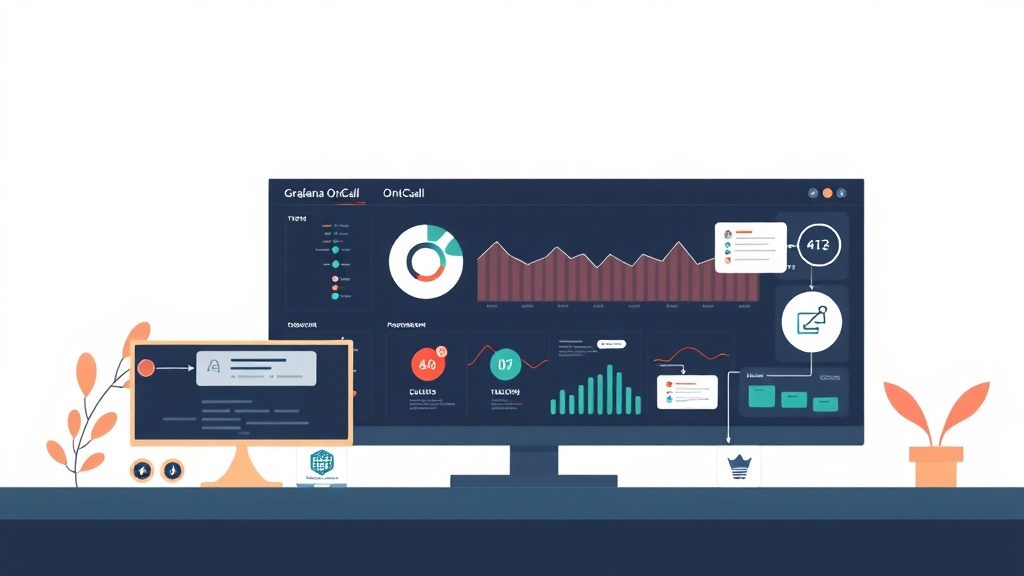
Grafana OnCall isn’t a bloated monolith. It’s a collection of specialized services that you can scale independently:
- The Engine (Django): This serves as the brains. It manages your schedules, escalation logic, and API requests.
- Celery Workers: These are the workhorses. They handle the heavy lifting, like firing off Telegram messages or processing incoming webhooks from Prometheus.
- Redis: This acts as both a fast cache and the message broker for those Celery workers.
- PostgreSQL: The source of truth. Every user, schedule, and incident log lives here.
For a production environment, I recommend offloading the database and Redis to managed services like AWS RDS. However, a single 2vCPU VPS with 4GB of RAM is more than enough to handle alerts for a medium-sized startup. This setup ensures your sensitive incident data stays on your hardware, not a third-party server.
Escalation Chains and ChatOps for Real-World Response
A notification tool is useless if your team ignores it. Once your instance is live, you need to define how the system handles a 2:00 AM database outage. This is where Escalation Chains turn noise into actionable tasks.
Avoid the “notify everyone” trap. It causes burnout. Instead, try this tiered strategy:
- Level 1 (Immediate): Ping the primary engineer via a Telegram message or mobile app push.
- Level 2 (5-minute delay): If the alert remains unacknowledged, trigger an automated phone call to the primary engineer.
- Level 3 (10-minute delay): If still quiet, escalate to the secondary engineer or the engineering manager.
Telegram integration is a massive win for speed. Junior engineers often prefer it because they can acknowledge, resolve, or reassign alerts directly from the chat window. To set this up, grab a bot token from @BotFather and add it to your .env:
# Inside your .env
TELEGRAM_TOKEN=your_bot_token_here
TELEGRAM_WEBHOOK_HOST=https://your-oncall-domain.com
Restart your services, then link your Telegram account in the OnCall UI. This turns a simple alert into a collaborative thread where the whole team can see the fix happening in real-time.
Production Hardening: Keeping the Pager Alive
When you host your own pager, you are the one responsible if it stays silent during a crash. Here is how I keep our instances stable:
1. Watching the Watcher
Never let your monitoring system be a single point of failure. Use a free external service like UptimeRobot to ping your OnCall health endpoint every 60 seconds. If the OnCall UI goes dark, you need a backup alert via an entirely different channel.
2. Smart Backups
Docker updates can occasionally break database schemas. Always dump your PostgreSQL data before pulling new images. I run a cron job that saves a pg_dump to an off-site S3 bucket every midnight.
# Manual backup check
docker exec oncall-postgres pg_dump -U admin oncall_db > backup_$(date +%F).sql
3. Resource Guardrails
Alert storms—where 50 services fail at once—can spike memory usage. The Celery workers can be hungry. I allocate at least 2GB of dedicated RAM to the OnCall stack to prevent the Linux OOM killer from taking the system down during a crisis.
4. Centralized Auth
Don’t manage users manually. If your team uses GitHub or Google Workspace, connect it to Grafana via OAuth. OnCall will automatically sync those users, making it easy to rotate new hires into the schedule without manual data entry.
Self-hosting incident management feels like a big step, but the control you gain is worth the effort. You get professional-grade response tools and zero per-user licensing fees, all while keeping your infrastructure data under your own lock and key.