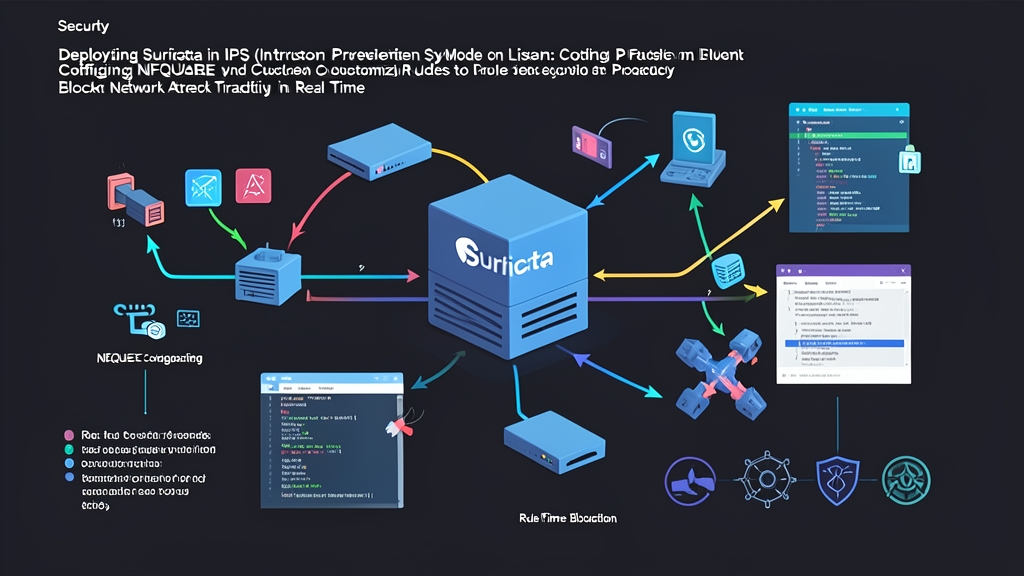
The 2:14 AM Alert: Watching Attacks Land While Your IDS Merely Takes Notes
At 2:14 AM, PagerDuty triggered a high-severity alert. Our API gateway p99 latency had spiked from a baseline of 42ms to over 2,100ms. An automated botnet was firing roughly 3,500 requests per second across our endpoints, cycling through SQL injection payloads and recursive directory traversal probes.
Ten minutes in, our monitoring inbox filled up with alerts from our intrusion detection setup. Suricata had already logged 14,000 hits in /var/log/suricata/fast.log. Every single entry was accurate: signatures matched, source IPs pinned, timestamps synced.
None of that stopped the attack. Every single malicious request reached our Nginx reverse proxy. MySQL sat pinned at 100% CPU, struggling under wildcard queries injected into search params. Suricata performed its role as an IDS without flaw: it observed, parsed, and logged the incident while production burned. Alerts alone do not stop exploits. Passive packet sniffing leaves services defenseless between the moment an attack hits and the moment an engineer opens a terminal.
Root Cause: The Fundamental Flaw of Out-of-Band Sniffing
Why didn’t those 14,000 matched signatures drop a single packet? The answer lies in how Linux handles network frames at the kernel level. In standard IDS mode, Suricata acts as an out-of-band listener, receiving packet copies via AF_PACKET, libpcap, or a switch SPAN port.
The Packet Race Condition
When an Ethernet frame hits interface eth0, the kernel network stack processes the original packet and routes it directly to user-space socket buffers for Nginx or Gunicorn. Simultaneously, the driver sends a mirrored clone through a ring buffer to Suricata. Suricata unpacks the clone, parses headers, and evaluates rule signatures. That takes time—often only 200 microseconds, but the race is already lost.
By then, the kernel has handed the original frame to your application. The SQL injection executes. The app server throws an HTTP 500 or dumps database rows. An IDS cannot recall an IP packet that has already entered socket memory.
Log Lag vs. Inline Dropping
Relying on log parsers introduces an even larger lag. When an automated exploit scans your instance, it executes in milliseconds. Tools like Fail2Ban must wait for the application to write an error to disk, wait for the daemon to parse the regex, and then issue an iptables command.
That window typically spans 5 to 45 seconds. By the time Fail2Ban issues a drop rule, the attacker has retrieved your .env file. Stopping web-layer attacks requires placing Suricata directly inside the kernel packet pipeline.
Defense Trade-offs: Passive IDS, Log Parsers, and Inline Queues
Choosing an enforcement model involves balancing response time, CPU overhead, and failure risks:
| Metric / Capability | Passive Suricata (IDS) | Log Scrapers (e.g., Fail2Ban) | Suricata Inline (IPS + NFQUEUE) |
|---|---|---|---|
| Packet Path | Cloned copy (Out-of-band) | Application log polling | Inline via Netfilter queue |
| Mitigation Latency | None (Alerts only) | 5 to 60 seconds | Sub-millisecond (0.15–0.4ms) |
| Protocol Inspection | Full TCP/IP flow state | Regex on application logs | Deep packet inspection + stream reassembly |
| Host CPU Overhead | Low (Zero packet stalling) | Negligible | Moderate (Varies with traffic and rule count) |
| Failure Mode Risk | Zero traffic disruption | Zero traffic disruption | Can drop traffic if queues fill (mitigated by fail-open) |
Log scrapers still have a place for slow brute-force attempts on SSH. Dedicated hardware appliances work well at datacenter perimeters. However, on standalone cloud instances, binding Suricata to the Linux Netfilter queue (NFQUEUE) provides line-rate packet drops without extra hardware.
Implementation: Running Suricata Inline with NFQUEUE
Netfilter’s NFQUEUE target delegates packet filtering decisions to user-space. When iptables directs a packet to a queue, the kernel holds the buffer. Suricata inspects the payload, checks its signatures, and returns a verdict: NF_ACCEPT to forward the packet, or NF_DROP to release the buffer immediately.
Step 1: Install Suricata with NFQUEUE Support
Verify that your package includes Netfilter queue support. On Ubuntu 22.04 and Debian 12, the distro packages include it by default:
sudo apt-get update
sudo apt-get install -y suricata libnetfilter-queue1
suricata --build-info | grep -i nfqueue
Make sure the output prints NFQ support: yes. If it reads no, install libnetfilter-queue-dev and recompile Suricata with the --enable-nfqueue flag.
Step 2: Configure Suricata for IPS Operation
Edit /etc/suricata/suricata.yaml to set up the queue parameters and prevent outages if the daemon stops:
sudo nano /etc/suricata/suricata.yamlLocate the nfq block and update it as follows:
nfq:
  mode: accept
  repeat-mark: 1
  repeat-mask: 1
  route-queue: 0
  batch-count: 20
  fail-open: yes
The fail-open: yes setting is critical. If traffic bursts overwhelm Suricata’s buffers or the process crashes, the kernel automatically permits packets through rather than dropping legitimate user traffic.
Next, confirm your rules list in suricata.yaml loads local definitions alongside your standard rule sets:
default-rule-path: /var/lib/suricata/rules
rule-files:
  - suricata.rules
  - local.rules
Step 3: Direct Web Traffic to NFQUEUE with iptables
Never send all traffic to NFQUEUE at once. A misconfiguration will sever your active SSH connection immediately. Allow loopback traffic and existing sessions first, leave your SSH port alone, and forward only incoming web ports (80 and 443) into queue 0:
# 1. Allow established connections and localhost
sudo iptables -A INPUT -i lo -j ACCEPT
sudo iptables -A INPUT -m conntrack --ctstate ESTABLISHED,RELATED -j ACCEPT

# 2. Keep SSH accessible on port 22
sudo iptables -A INPUT -p tcp --dport 22 -j ACCEPT

# 3. Route inbound HTTP/HTTPS traffic to queue 0 with bypass fallback
sudo iptables -A INPUT -p tcp -m multiport --dports 80,443 -j NFQUEUE --queue-num 0 --queue-bypass
The --queue-bypass option ensures that if Suricata is not running, iptables routes traffic past the empty queue instead of dropping every inbound web request.
Step 4: Write Drop Rules for Common Attack Vectors
Standard IDS rules use the alert action. For active inline blocking, switch the action to drop to silently discard matching packets, or reject to send a TCP reset back to the sender.
Open your local rules file:
sudo nano /var/lib/suricata/rules/local.rulesInsert these targeted rules to block directory traversal, credential discovery, and legacy exploits:
# Block path traversal attempts
drop http any any -> $HOME_NET any (msg:"IPS - Blocked Directory Traversal Attempt"; flow:to_server,established; http.uri; content:"/..%2f"; nocase; sid:1000001; rev:1;)

# Block automated scans searching for exposed .env files
drop http any any -> $HOME_NET any (msg:"IPS - Blocked .env File Probe"; flow:to_server,established; http.uri; content:"/.env"; endswith; classtype:web-application-attack; sid:1000002; rev:1;)

# Block legacy Shellshock attack strings
drop tcp any any -> $HOME_NET any (msg:"IPS - Blocked Shellshock Payload"; flow:to_server,established; content:"() { :; };"; sid:1000003; rev:1;)
Step 5: Start Suricata Inline and Verify Enforcement
Start Suricata in daemon mode and tell it to listen on queue 0:
sudo suricata -c /etc/suricata/suricata.yaml -q 0 -DConfirm that the engine bound to the Netfilter queue without errors:
sudo tail -n 20 /var/log/suricata/suricata.log | grep -i nfqYou should see Binding to queue '0'. Now trigger rule 1000002 from an external machine to test live blocking:
# Execute from a remote client
curl -i -m 3 http://YOUR_SERVER_IP/.env
Instead of returning an HTTP 404 from Nginx, the command will hang and time out after 3 seconds. Check fast.log on the server:
sudo tail -n 5 /var/log/suricata/fast.logYou will find a [Drop] record confirming inline interception:
02:45:12.839121 [Drop] [**] [1:1000002:1] IPS - Blocked .env File Probe [**] [Classification: Web Application Attack] [Priority: 1] {TCP} 203.0.113.45:51240 -> 198.51.100.10:80The packet was dropped inside kernel memory. Nginx never saw the request, the database never ran a query, and the exploit stalled before it could reach user space.