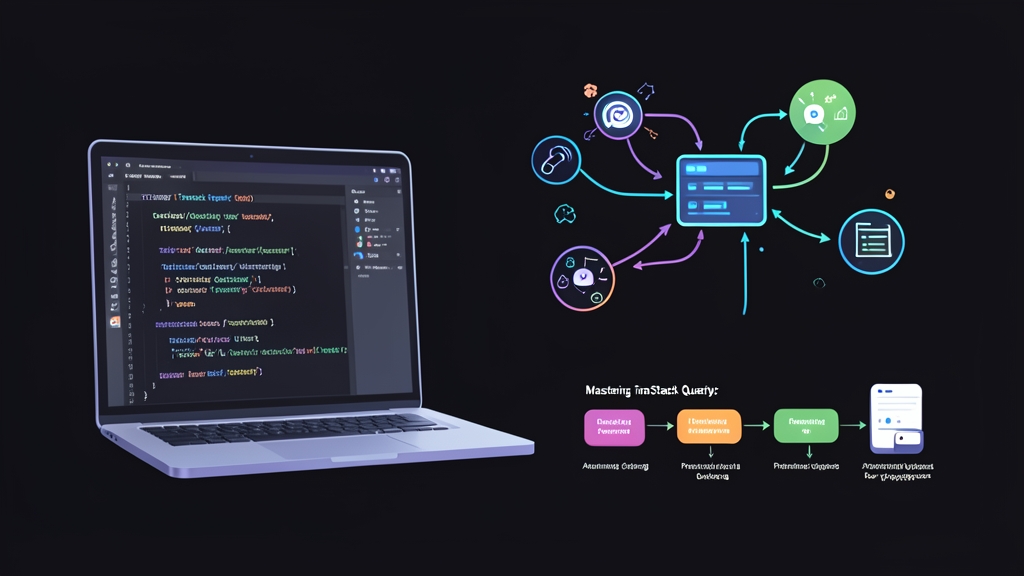
The Problem: Race Conditions and Ghost State in Production
Last year, our team shipped an internal order-processing dashboard for a fulfillment center processing 14,000 orders daily. Within forty-eight hours, support tickets flooded in. Dispatchers updated order statuses from “Processing” to “Shipped”, yet the screen still showed “Processing” unless they hammered Cmd+R. When dispatchers opened three browser tabs at once, stale reads in one tab routinely overwrote fresh edits from another.
Our initial fix made things worse. We bolted on defensive boilerplate across 18 separate components: local isLoading flags, manual isMounted tracking, and tangled useEffect hooks. Every route change triggered redundant network calls. Even worse, slow network responses from earlier requests arrived late and overwrote newer UI data. Our network panel showed 45 redundant GET requests per minute per user.
Root Cause: Treating Server State Like Client State
After profiling memory allocations and network traces, the architectural flaw became clear. We had treated server state as if it were standard client state. They are fundamentally different beasts:
- Client State: Synchronous data that the browser fully controls. Examples include an expanded accordion, a dark-mode theme setting, or draft text inside an unsubmitted input.
- Server State: Asynchronous data stored on an external database that your browser only borrows. Third parties can modify it at any second. It requires network serialization, and it goes stale the exact millisecond it hits client memory.
Storing remote API payloads inside generic tools like useState or a global Redux slice forces you to reinvent an entire caching engine from scratch. You end up hand-coding request deduplication, cache eviction, exponential backoff retries, and rollback logic. Miss one edge case, and users see stale or corrupt data.
Evaluating the Options
React developers typically tackle remote data synchronization in one of three ways:
1. The Manual Approach: useEffect + useState
// Fragile manual synchronization
const [data, setData] = useState(null);
const [loading, setLoading] = useState(true);
const [error, setError] = useState(null);

useEffect(() => {
  let isMounted = true;
  setLoading(true);

  fetch('/api/orders')
    .then(res => {
      if (!res.ok) throw new Error('Fetch failed');
      return res.json();
    })
    .then(result => {
      if (isMounted) setData(result);
    })
    .catch(err => {
      if (isMounted) setError(err);
    })
    .finally(() => {
      if (isMounted) setLoading(false);
    });

  return () => { isMounted = false; };
}, []);
Verdict: Fine for simple prototypes. It collapses in complex apps because it lacks cache sharing, background revalidation, and automatic request deduplication.
2. Global Stores: Redux Toolkit or Zustand
Centralized stores give every component access to shared records. However, writing custom async thunks, tracking normalization keys, and stamping timestamps onto cached items adds hundreds of lines of non-trivial code for basic CRUD tasks.
3. Specialized Async Engine: TanStack Query v5
TanStack Query (formerly React Query) strips remote data fetching out of UI state managers entirely. It acts as an asynchronous caching layer. You get background synchronization, intelligent polling, deduplicated network traffic, and automatic stale timers out of the box.
Implementation: Production Patterns in TanStack Query v5
Migrating our dashboard to TanStack Query v5 removed roughly 650 lines of bespoke fetch plumbing. It also cut our client API calls by 58%. Here is how to configure it for resilient production environments.
Step 1: Set Up the QueryClient with Pragmatic Defaults
Install the required packages:
npm install @tanstack/react-query @tanstack/react-query-devtools
Configure default timers carefully. TanStack Query defaults staleTime to 0, which triggers a background refetch on every mount. Setting it to 2–5 minutes prevents your API from drowning in repeated traffic:
import React from 'react';
import { QueryClient, QueryClientProvider } from '@tanstack/react-query';
import { ReactQueryDevtools } from '@tanstack/react-query-devtools';

const queryClient = new QueryClient({
  defaultOptions: {
    queries: {
      staleTime: 1000 * 60 * 3, // Data remains fresh for 3 minutes
      gcTime: 1000 * 60 * 15,    // Inactive cache entries stay in memory for 15 minutes (replaces cacheTime in v5)
      refetchOnWindowFocus: true,
      retry: 2,
    },
  },
});

export function AppProviders({ children }) {
  return (
    <QueryClientProvider client={queryClient}>
      {children}
      <ReactQueryDevtools initialIsOpen={false} />
    </QueryClientProvider>
  );
}
Step 2: Declarative Data Fetching with useQuery
In version 5, queries take a single options object instead of positional arguments. The queryKey functions as a cache dependency array—whenever its values change, the query refetches automatically:
import { useQuery } from '@tanstack/react-query';

async function fetchOrders(status) {
  const res = await fetch(`/api/orders?status=${encodeURIComponent(status)}`);
  if (!res.ok) throw new Error(`Server returned ${res.status}: Failed to load orders`);
  return res.json();
}

export function OrderList({ status }) {
  const { data: orders, isLoading, isError, error } = useQuery({
    queryKey: ['orders', 'list', status],
    queryFn: () => fetchOrders(status),
  });

  if (isLoading) return <p>Loading orders...</p>;
  if (isError) return <p role="alert">Failed to load: {error.message}</p>;

  return (
    <ul>
      {orders.map((order) => (
        <li key={order.id}>{order.title} — <strong>{order.status}</strong></li>
      ))}
    </ul>
  );
}
Step 3: Eliminate Route Lag with Prefetching
If a user points their cursor at a navigation link, they will likely click it 200–300 milliseconds later. Use that brief window to fetch the data into cache before the route transitions:
import { useQueryClient } from '@tanstack/react-query';

export function OrderLink({ orderId }) {
  const queryClient = useQueryClient();

  const handleMouseEnter = () => {
    queryClient.prefetchQuery({
      queryKey: ['orders', 'detail', orderId],
      queryFn: async () => {
        const res = await fetch(`/api/orders/${orderId}`);
        if (!res.ok) throw new Error('Failed to prefetch order details');
        return res.json();
      },
      staleTime: 1000 * 20, // Keep fresh for 20 seconds
    });
  };

  return (
    <a href={`/orders/${orderId}`} onMouseEnter={handleMouseEnter}>
      View Order #{orderId}
    </a>
  );
}
Step 4: Snappy UIs with Optimistic Updates
Waiting 400ms for a round-trip PATCH response makes an app feel sluggish. For standard status changes, update the local cache instantly. Then send the request, and revert the UI only if the server returns an error.
The code below cancels in-flight queries, preserves a snapshot of the cache, updates the UI immediately, and rolls back gracefully on network failure:
import { useMutation, useQueryClient } from '@tanstack/react-query';

async function patchOrderStatus({ id, status }) {
  const res = await fetch(`/api/orders/${id}`, {
    method: 'PATCH',
    headers: { 'Content-Type': 'application/json' },
    body: JSON.stringify({ status }),
  });
  if (!res.ok) throw new Error('Order status update failed');
  return res.json();
}

export function useUpdateOrderStatus() {
  const queryClient = useQueryClient();

  return useMutation({
    mutationFn: patchOrderStatus,
    onMutate: async ({ id, status }) => {
      // Step 1: Cancel active queries matching this key so they don't overwrite optimistic data
      await queryClient.cancelQueries({ queryKey: ['orders', 'list'] });

      // Step 2: Save previous cache state for rollback
      const previousOrders = queryClient.getQueryData(['orders', 'list']);

      // Step 3: Apply the update optimistically
      queryClient.setQueryData(['orders', 'list'], (oldOrders = []) =>
        oldOrders.map((order) =>
          order.id === id ? { ...order, status } : order
        )
      );

      // Step 4: Pass rollback snapshot down to context
      return { previousOrders };
    },
    onError: (err, variables, context) => {
      // Step 5: Restore snapshot if the mutation fails
      if (context?.previousOrders) {
        queryClient.setQueryData(['orders', 'list'], context.previousOrders);
      }
    },
    onSettled: () => {
      // Step 6: Refetch from server to ensure perfect sync
      queryClient.invalidateQueries({ queryKey: ['orders', 'list'] });
    },
  });
}
Three Production Rules to Remember
- Structure query keys predictably: Treat keys like hierarchical REST routes:
['orders', 'list', { status, page }]. This allows targeted invalidation via partial matching withqueryClient.invalidateQueries({ queryKey: ['orders'] }). - Never sync query data into local state: Reading directly from
useQuerygives you reactive updates for free. Storingdatain a localuseStatecopy duplicates source of truth and invites stale data bugs. - Adjust
staleTimedeliberately: A value of0forces refetches on every single mount. For data that changes infrequently, settingstaleTime: 1000 * 60(1 minute) eliminates unnecessary network chatter without risking stale UI.