The True Cost of Slipping Insecure Cloud Configurations into Production
Last quarter, an engineer pushed a Terraform module that created an AWS S3 bucket with public read access enabled and server-side encryption switched off. Nothing broke during terraform apply. AWS APIs returned 200 OK, and the infrastructure provisioned without a single warning.
Fourteen days passed before our SecOps team caught the open bucket during a routine SOC 2 audit. We got lucky: roughly 18 GB of customer database backups sat exposed to the internet without unauthorized reads. Still, the slip cost us two sleepless nights, an emergency deployment cycle, and four hours of tense post-mortem reviews.
This failure mode is depressingly common. Teams adopt Infrastructure as Code (IaC) to ship faster. Yet speed without guardrails just automates your mistakes at scale.
Traditional vulnerability scanners inspect OS packages or running containers, but they cannot parse cloud control-plane declarations written in HashiCorp Configuration Language (HCL). Fixing an open security group in production averages $4,000 in engineering triage and verification time. Catching that exact blunder in a pull request takes under thirty seconds.
The Root Cause: Why Insecure IaC Reaches Main Branches
Terraform is strictly declarative. It reconciles your desired state against a cloud provider, but it never judges whether your architecture is secure. The native terraform validate command only checks syntax, required argument definitions, and basic types. It will gladly approve an ingress rule exposing port 22 to 0.0.0.0/0 across your entire VPC, provided the brackets and quotes are valid HCL.
Human code reviews also fail under pressure. When a single pull request touches 400 lines of Terraform across five modules, reviewer fatigue sets in fast. Engineers focus on module tags, variable naming, or indentations. They routinely miss subtle security flaws, like an unencrypted 2 TB EBS volume or an S3 bucket missing a key management service (KMS) customer-managed key. Policy-as-code automation must step in before any pull request ever merges into your main branch.
Core Concepts: How Checkov Enforces Guardrails
Checkov is an open-source static analysis engine built specifically for IaC security. Maintained by Prisma Cloud (originally Bridgecrew), it parses configuration files into an Abstract Syntax Tree (AST). It then tests that tree against more than 1,000 out-of-the-box policies mapped directly to CIS Benchmarks, NIST 800-53, HIPAA, and PCI-DSS 4.0.
Unlike runtime cloud security posture management (CSPM) tools, Checkov does not need live cloud credentials or deployed resources. It scans code entirely offline. While it supports Kubernetes manifests, CloudFormation, Bicep, and ARM templates, its deepest support lies in Terraform. Running Checkov locally catches misconfigurations right inside your IDE, long before state locks or resource creation take place.
Hands-On Practice: Securing Terraform with Checkov
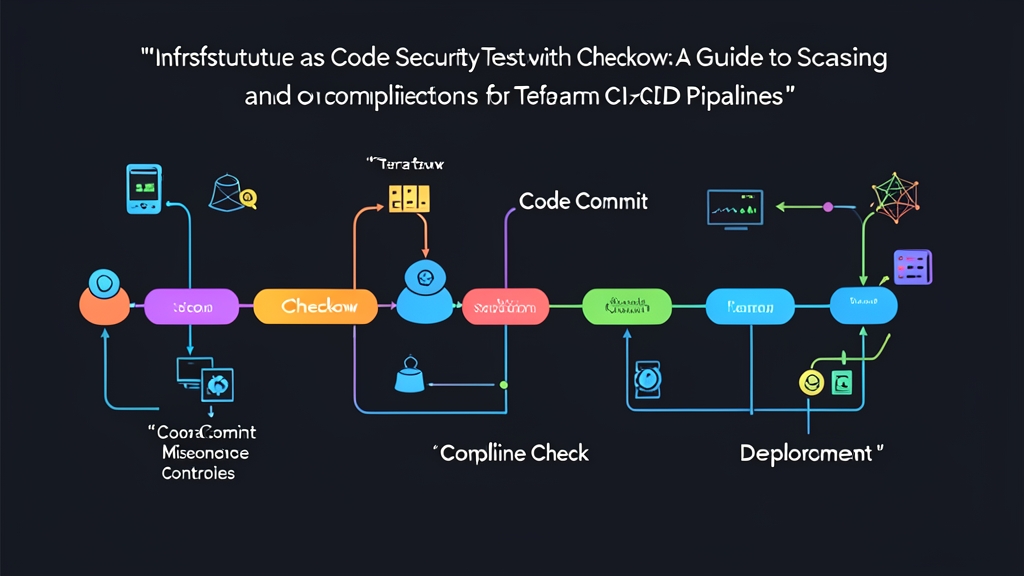
Here is a step-by-step workflow: install Checkov locally, test it against vulnerable Terraform definitions, handle exceptions cleanly, and wire up an automated gate in GitHub Actions.
Step 1: Installing Checkov
Checkov is written in Python. You can install it through pip, Homebrew, or an official container image. Pick whichever fits your machine:
# Install via Python pip
pip3 install checkov

# Or install via Homebrew (macOS/Linux)
brew install checkov

# Verify your installation
checkov --version
Step 2: Creating a Sample Insecure Terraform File
Spin up an empty directory named terraform-demo. Inside it, drop a main.tf file containing two common errors: an unencrypted S3 bucket without a public access block, and an SSH ingress rule open to the entire world.
terraform {
  required_providers {
    aws = {
      source  = "hashicorp/aws"
      version = "~> 5.0"
    }
  }
}

provider "aws" {
  region = "us-east-1"
}

# Flawed resource: missing encryption, logging, and public access blocks
resource "aws_s3_bucket" "finance_reports" {
  bucket = "company-internal-finance-reports-2026"
}

# Flawed resource: SSH port 22 open globally
resource "aws_security_group" "bastion_sg" {
  name        = "bastion-sg"
  description = "Bastion host security group"

  ingress {
    from_port   = 22
    to_port     = 22
    protocol    = "tcp"
    cidr_blocks = ["0.0.0.0/0"]
  }

  egress {
    from_port   = 0
    to_port     = 0
    protocol    = "-1"
    cidr_blocks = ["0.0.0.0/0"]
  }
}
Step 3: Running Your First Scan
Execute Checkov against your local folder:
checkov -d . --framework terraformWithin two seconds, Checkov prints an evaluation summary highlighting passed and failed checks in your terminal. For our file, it immediately flags multiple violations:
- CKV_AWS_20: S3 bucket allows open public read access via ACL or policy.
- CKV_AWS_145: S3 bucket is not encrypted with a KMS customer-managed key (SSE-KMS).
- CKV_AWS_24: Security group allows global ingress from
0.0.0.0/0to port 22. - CKV_AWS_53: S3 bucket does not have
block_public_aclsenabled.
Each alert gives you the precise line numbers responsible, the failed check identifier, and a direct URL explaining the remediation steps.
Step 4: Remediating Detected Flaws
Modern AWS provider versions (v4 and v5) separate S3 bucket sub-features into dedicated standalone resources. Let’s harden main.tf by locking down SSH access to a specific office IP (198.51.100.12/32), adding server-side encryption, and deploying strict public access blocks:
resource "aws_s3_bucket" "finance_reports" {
  bucket = "company-internal-finance-reports-2026"
}

resource "aws_s3_bucket_server_side_encryption_configuration" "finance_reports_crypto" {
  bucket = aws_s3_bucket.finance_reports.id

  rule {
    apply_server_side_encryption_by_default {
      sse_algorithm = "AES256"
    }
  }
}

resource "aws_s3_bucket_public_access_block" "finance_reports_block" {
  bucket = aws_s3_bucket.finance_reports.id

  block_public_acls       = true
  block_public_policy     = true
  ignore_public_acls      = true
  restrict_public_buckets = true
}

resource "aws_security_group" "bastion_sg" {
  name        = "bastion-sg"
  description = "Bastion host security group"

  ingress {
    from_port   = 22
    to_port     = 22
    protocol    = "tcp"
    # Locked down to our corporate gateway IP
    cidr_blocks = ["198.51.100.12/32"]
  }

  egress {
    from_port   = 0
    to_port     = 0
    protocol    = "-1"
    cidr_blocks = ["0.0.0.0/0"]
  }
}
Re-run the scan. The critical findings disappear immediately, leaving a clean green bill of health.
Step 5: Managing Baselines and Legitimate Exceptions
Introducing a static scanner into an established codebase can surface 300+ failures on day one. Blocking every pull request overnight will bring your team’s delivery velocity to a screeching halt. Checkov solves this dilemma with baselines and inline suppressions.
When an intentional exception is justified—such as a public static asset bucket serving your product logo—suppress the rule inline using an explicit reason:
resource "aws_s3_bucket" "public_assets" {
  bucket = "company-brand-static-cdn-assets"
  # checkov:skip=CKV_AWS_20:Public bucket designed for static website assets
}
For legacy codebases, capture existing technical debt without stopping new development:
# Snapshot existing violations into a baseline file
checkov -d . --create-baseline

# Enforce zero new regressions against that baseline
checkov -d . --baseline .checkov.baseline
Existing legacy warnings stay suppressed. If an engineer adds a brand-new flaw, the pipeline fails instantly.
Step 6: Automating Checkov in GitHub Actions
Local scans rely on developer diligence. CI pipelines make policy enforcement mandatory. Add this workflow at .github/workflows/iac-security.yml to scan every pull request targeting your main branch:
name: "IaC Security Scan"

on:
  push:
    branches: [ "main" ]
  pull_request:
    branches: [ "main" ]

jobs:
  checkov-scan:
    runs-on: ubuntu-latest
    permissions:
      contents: read
      security-events: write

    steps:
      - name: Checkout Source Code
        uses: actions/checkout@v4

      - name: Run Checkov Scanner
        id: checkov
        uses: bridgecrewio/checkov-action@master
        with:
          directory: "."
          framework: "terraform"
          output_format: "cli,sarif"
          output_file_path: "console,results.sarif"
          soft_fail: false # Blocks the pull request on any check failure

      - name: Upload SARIF Results to GitHub Security Tab
        uses: github/codeql-action/upload-sarif@v3
        if: always()
        with:
          sarif_file: "results.sarif"
With SARIF exports enabled, Checkov does more than just fail the build. It annotates the exact offending lines directly inside GitHub’s pull request diff view. Developers can fix issues on the spot without digging through raw console logs.
Shift Left, Sleep Better
Fixing security debt after deployment is stressful, expensive, and risky. Embedding Checkov into your Terraform lifecycle turns security checks into a fast, non-blocking part of code review. Start small: run local checks against your core modules, freeze legacy warnings behind a baseline file, and add CI gates to prevent new misconfigurations from reaching production.