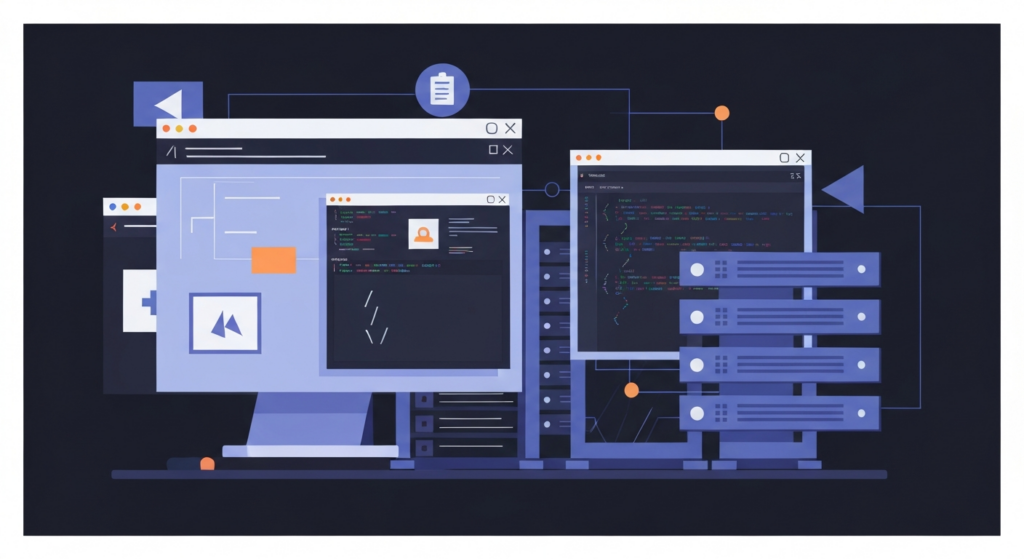
Tired of cloud breaches and monthly fees? Learn how to host your own lightweight, secure password vault using Vaultwarden and Docker in under 10 minutes.
Tired of trusting your passwords to cloud services? This guide shows you how to take back control by setting up a secure, self-hosted password manager with Vaultwarden and Docker. Follow these practical steps for installation, configuration, and essential maintenance.
Set up Vaultwarden, Gitea, and Uptime Kuma on your own server using Docker Compose. No vendor lock-in, no monthly fees for tools you can run yourself — just your data, on your hardware. A practical starting point for developers who want real homelab experience beyond the tutorial level.