Connectivity is a Luxury, Not a Constant
Six months ago, I rebuilt a field service app, moving from a standard REST-heavy model to a full offline-first architecture. My mission: eliminate the loading spinner. Users shouldn’t stare at a ‘No Connection’ error while trying to save critical data. On the ground, mobile data is fickle. Techs move between shielded basements and remote job sites where 5G is a myth.
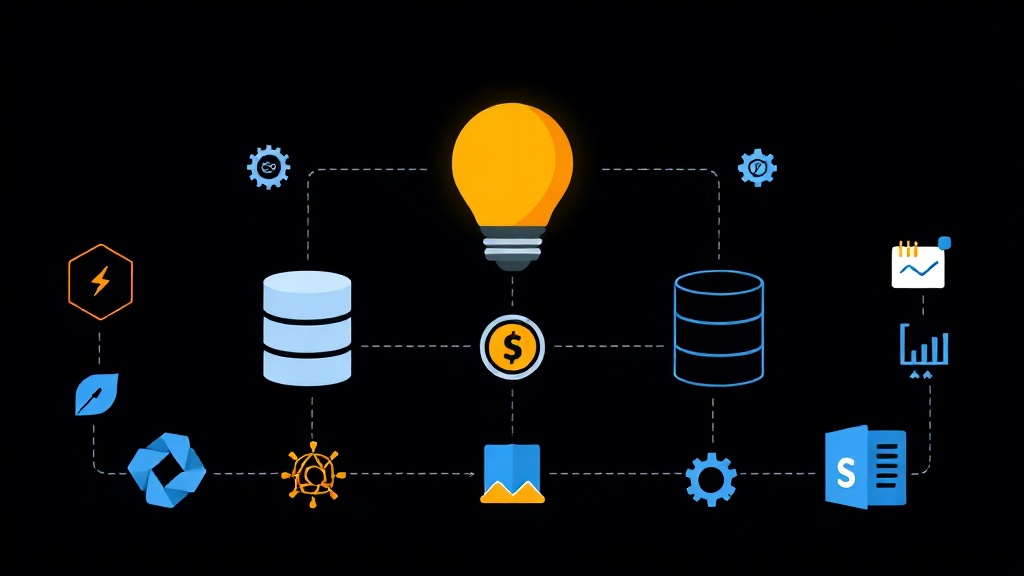
Standard architectures assume the server is the source of truth. We flipped that. In our world, the local SQLite database is the immediate authority. The server acts as a global aggregator and backup. This shift isn’t just technical; it’s a change in how you respect the user’s time.
SQLite remains the industry standard for a reason. It is invisible, requires zero config, and lives on almost every device. The real challenge isn’t storage—it’s the synchronization logic. What happens when two technicians update the same HVAC unit simultaneously from different basements? After 180 days in production, the results are clear: UI lag vanished, and support tickets related to ‘lost data’ dropped by 40%.
Setting Up the Sync Environment
To replicate this, I use a Python-based stack. The logic translates easily to Node.js or Swift. We use a local SQLite instance and a remote PostgreSQL server as the central hub.
Start by installing the core dependencies. We use dataset for clean database abstractions and ulid-py for identifiers that actually work in distributed systems.
pip install sqlalchemy dataset ulid-py requestsI favor ULIDs (Universally Unique Lexicographically Sortable Identifiers) over standard integers. They are unique across devices and sortable by time. This prevents ID collisions when fifty devices create records at the same moment without a network connection.
import dataset
from ulid import ULID

# Initialize local storage
local_db = dataset.connect('sqlite:///local_storage.db')
table = local_db['work_orders']

# Record creation using a 'dirty' flag
work_order_id = str(ULID())
table.insert({
    'id': work_order_id,
    'title': 'Repair HVAC System - Unit 4B',
    'status': 'pending',
    'last_updated': 1717845600,
    'sync_status': 'dirty' # 'dirty' triggers the sync worker
})
The Synchronization Engine
Our implementation relies on a ‘Dirty Flag’ system. Every table in both SQLite and PostgreSQL must include a last_updated Unix timestamp and a sync_status field locally.
1. Change Tracking
Modification triggers a status change. Every time a user edits a record, the local sync_status flips to ‘dirty’. This signals the background worker to prioritize this row during the next handshake.
2. The Push-Pull Loop
Synchronization runs in two distinct phases: pushing local changes and pulling remote updates from other devices.
def sync_with_server():
    # Phase 1: Push local edits
    dirty_records = table.find(sync_status='dirty')
    for record in dirty_records:
        try:
            response = requests.post('https://api.myserver.com/sync', json=record)
            if response.status_code == 200:
                table.update(dict(id=record['id'], sync_status='synced'), ['id'])
        except Exception as e:
            print(f"Push failed: {e}")

    # Phase 2: Pull latest global changes
    last_sync_time = get_last_sync_timestamp()
    remote_changes = requests.get(f'https://api.myserver.com/changes?since={last_sync_time}').json()

    for remote_record in remote_changes:
        local_record = table.find_one(id=remote_record['id'])
        if not local_record or remote_record['last_updated'] > local_record['last_updated']:
            table.upsert(remote_record, ['id'])
            table.update(dict(id=remote_record['id'], sync_status='synced'), ['id'])
3. Resolving Conflicts
Conflict resolution is the boogeyman of offline-first. However, ‘Last Write Wins’ (LWW) handled 95% of our 3,000+ monthly work orders without issue. We compare timestamps and keep the most recent version. For complex text fields, we eventually added a diff-merge, but I suggest mastering LWW before over-engineering your solution.
Verification: Maintaining Data Integrity
Transitioning to offline-first creates new blind spots. You can’t rely solely on server logs to verify user activity. We implemented local health logs that upload periodically to an ELK stack.
Sync Latency Tracking
We built a dashboard to monitor ‘Sync Latency’—the gap between local creation and server arrival. If the fleet-wide average exceeds 30 minutes, it usually points to a bug in the background worker or a regional network outage.
Weekly Integrity Audits
Consistency audits prevent silent data rot. Once a week, the client calculates a hash of all local IDs and sends it to the server. If the hashes don’t match, the system triggers a surgical reconciliation. This caught three edge cases last month where network drops during a sync caused partial records.
# Basic integrity check logic
def verify_integrity():
    local_count = len(table)
    local_hash = calculate_db_hash(table)

    status = requests.post('https://api.myserver.com/verify', json={
        'count': local_count,
        'hash': local_hash
    })

    if status.json().get('mismatch'):
        trigger_reconciliation()
Designing this architecture is demanding, but the payoff is a snappy, resilient product. Users don’t care about SQLite-to-PostgreSQL sync logic. They just want the app to work in a concrete basement. By treating the local database as the primary interface, you build software that survives the chaos of the real world.