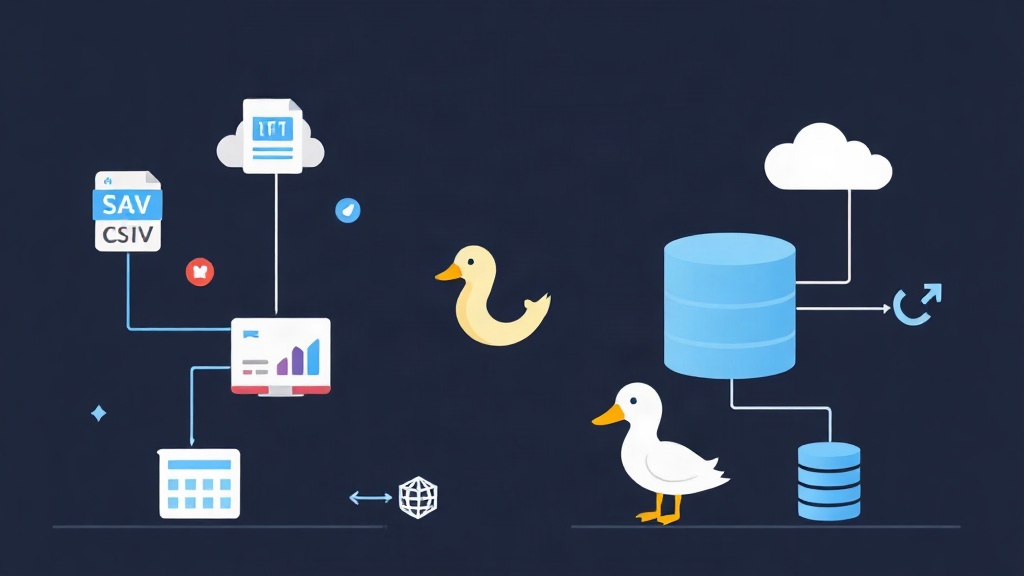
A few weeks ago, I had to aggregate a 15GB export of raw event logs split across dozens of CSV and Parquet files. The conventional route meant spinning up a Snowflake warehouse or loading everything into a local PostgreSQL instance. Both paths felt painful. Loading 15GB into Postgres took over 18 minutes, while Snowflake added network latency, egress costs, and cluster management just to answer five quick analytical questions.
Why is this workflow so clunky in traditional tools? Transactional databases read data row by row (OLTP). That burns through CPU cache lines when you only need to average two columns out of fifty. On the other end, cloud data warehouses require heavy setup, ongoing billing, and constant network transfers. DuckDB sidesteps all of this. It runs embedded inside your application process as a vectorized, columnar OLAP engine.
1. Approach Comparison: Traditional Tools vs. In-Process OLAP
Different tools solve different problems. PostgreSQL handles concurrent transactions reliably, and MongoDB makes storing nested documents easy. But when you need to crunch 80 million rows from flat files on a single laptop, these engines hit a wall.
Here is how common data processing options compare:
- Pandas / Polars: Convenient for scripts, but Pandas easily crashes with Out-Of-Memory (OOM) errors on datasets larger than RAM. Polars handles streaming much better, but writing complex multi-table SQL joins or window functions across disparate files is still awkward.
- PostgreSQL / MySQL: Reliable SQL engines, but you must define schemas, create tables, and wait for bulk
COPYcommands before you can run your first query. - Cloud Data Warehouses (Snowflake, BigQuery): Built for petabyte-scale teams, but excessive for ad-hoc exploration. You pay for compute idle time, deal with IAM permissions, and upload gigabytes over the wire.
- DuckDB: Queries flat files directly with zero-copy reads, handles datasets larger than available RAM via out-of-core streaming, and requires zero daemon setup.
2. Pros & Cons of Using DuckDB
DuckDB is fast, but it is not a silver bullet for every database problem. Here is where it excels and where it falls short.
Pros
- Zero Infrastructure: Runs as an in-process C++, Python, or Node.js library. No servers to patch, secure, or monitor.
- Native File Format Support: Reads and writes CSV, Parquet, JSON, Arrow, and remote S3/GCS buckets directly in SQL queries.
- Columnar Vectorized Execution: Processes data in chunks of 2,048 values using SIMD instructions. This maximizes CPU throughput and keeps memory usage low.
- Cross-Source Querying: Joins a live SQLite or PostgreSQL table with local Parquet files in a single unified SQL query.
Cons
- Single-Writer Limitation: DuckDB follows SQLite’s concurrency model. Multiple processes cannot write to the same database file at the same time.
- Not Built for High-Frequency OLTP: Point lookups, frequent single-row inserts, and high-concurrency transactional updates should stay in PostgreSQL or MySQL.
3. Recommended Setup and Architecture
Your setup depends on the task. Use the standalone CLI binary for interactive exploration and quick file inspections. For automated ETL pipelines and backend services, install the Python package.
Installation
# Install the standalone DuckDB CLI on Linux/macOS
curl https://install.duckdb.org | sh

# Or install via Python
pip install duckdb pandas pyarrow
Once installed in Python, DuckDB queries Pandas DataFrames and Apache Arrow tables in memory without serialization or data duplication.
4. Implementation Guide: Querying Files and Multi-Source Data
Let’s look at practical examples: querying raw files, automating an aggregation pipeline, and joining cross-database sources.
Querying CSV and Parquet Files Directly with SQL
Forget schema migrations. DuckDB inspects sample rows and automatically infers column names and types.
-- Launch CLI in in-process memory mode:
-- duckdb

-- Direct SQL query on multiple CSV files with glob patterns
SELECT
    category,
    COUNT(*) AS total_orders,
    ROUND(AVG(price), 2) AS avg_price,
    ROUND(SUM(price * quantity), 2) AS total_revenue
FROM 'sales_data_*.csv'
WHERE order_status = 'COMPLETED'
GROUP BY category
ORDER BY total_revenue DESC
LIMIT 5;
With Parquet files, performance is even better. DuckDB reads row-group metadata and column statistics to skip unneeded blocks entirely (predicate pushdown), fetching only the requested columns from disk:
-- Filter Parquet data without scanning the full dataset
SELECT
    customer_id,
    SUM(amount) AS total_spent
FROM 'transactions.parquet'
WHERE transaction_date >= '2026-01-01'
GROUP BY customer_id
HAVING total_spent > 5000;
Automating Pipelines in Python
In Python, DuckDB acts as an ultra-fast transformation step that writes results straight back to disk:
import duckdb

# Connect to an in-memory session
con = duckdb.connect()

# Aggregate millions of log rows and export directly to compressed Parquet
query = """
    COPY (
        SELECT
            date_trunc('month', timestamp) AS month,
            country,
            count(DISTINCT user_id) AS active_users,
            sum(bytes_sent) / (1024 * 1024) AS total_mb
        FROM 'logs/*.parquet'
        WHERE status_code = 200
        GROUP BY 1, 2
    ) TO 'aggregated_metrics.parquet' (FORMAT PARQUET, COMPRESSION ZSTD);
"""

con.execute(query)
print("Aggregation complete: output written to aggregated_metrics.parquet")
Connecting Multi-Source Data Without ETL
Instead of building an ETL pipeline to combine data across systems, attach external databases on the fly:
-- Install and load the SQLite extension
INSTALL sqlite;
LOAD sqlite;

-- Attach the application database
ATTACH 'app_users.db' AS sqlite_db (TYPE SQLITE);

-- Join transactional users with analytical event files
SELECT
    u.username,
    u.email,
    count(e.event_id) AS total_events
FROM sqlite_db.users u
JOIN 'events_2026.parquet' e ON u.id = e.user_id
GROUP BY u.username, u.email
ORDER BY total_events DESC
LIMIT 10;
DuckDB bridges the gap between raw files and complex databases. You get data warehouse performance on your local machine, zero cloud bills for local analytics, and no servers to maintain.