The 2 AM Automation Wall
It’s 2 AM on a Tuesday. I’m staring at a production disaster. A legacy CRM system—one with no REST API, no CLI, and a UI that refreshes CSS classes every deployment—has locked out 500 critical customer accounts. My Selenium scripts are useless; the DOM is a graveyard of obfuscated React components. This was the exact moment I realized that brittle, selector-based automation is a dead end.
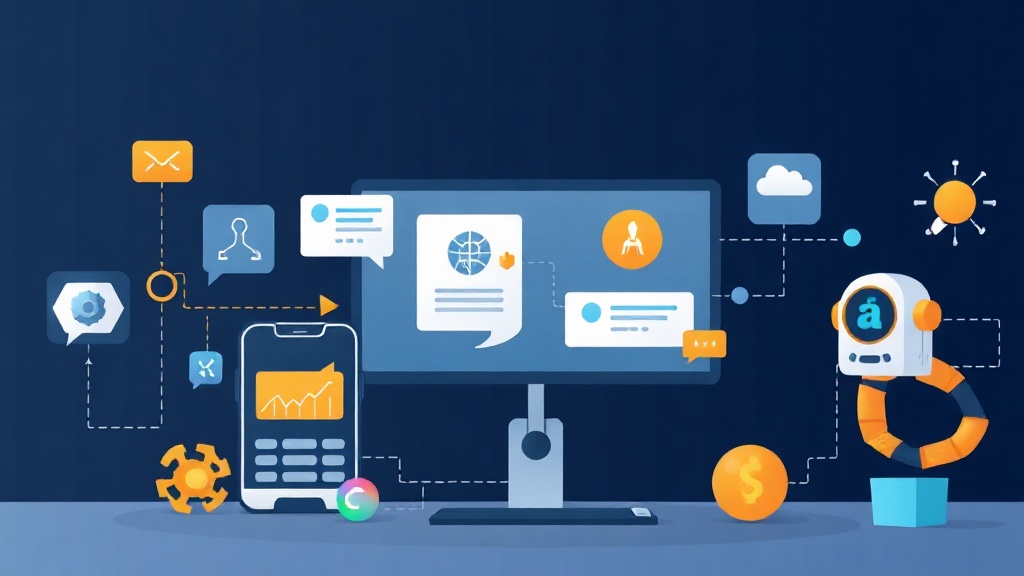
For decades, we’ve tried to teach machines to parse the code behind a UI. But humans don’t read code; we look at pixels. Anthropic’s Computer Use API flips the script. It allows Claude 3.5 Sonnet to ‘see’ your screen, move the cursor, and click buttons exactly like a person. If you want to move beyond simple chatbots and build agents that solve problems in the real world, mastering this visual loop is the next logical step.
How the Computer Use Architecture Actually Works
This isn’t your standard text-in, text-out API call. Think of it as an iterative conversation between your script, the model, and the host OS. Every step costs roughly 1,600 tokens just for the screenshot, so understanding the efficiency of the loop is vital.
The workflow follows a strict cycle:
- Observation: Your system captures a screenshot and passes it to Claude.
- Thought: Claude identifies UI coordinates (like a ‘Submit’ button at 512, 384) and plans the next move.
- Action: Claude returns a specific tool call, such as
mouse_moveorkey. - Execution: Your local environment runs the command and feeds the result—usually a new screenshot—back to the model.
This cycle repeats until the goal is met. The engine under the hood is the computer_20241022 beta feature, which grants access to three primary tools: computer, bash, and str_replace_editor.
Hands-on Practice: Building Your First Desktop Agent
Experience has taught me that running these agents inside a Docker container is the only safe path. You don’t want an AI agent accidentally purging your /home directory while it’s ‘exploring’ the OS. While Anthropic offers a reference implementation, building the orchestration logic from scratch gives you much tighter control over the agent’s autonomy.
1. Setting Up the Environment
Start by grabbing your API key. You will need the latest anthropic Python library. I always use a virtual environment to avoid dependency hell.
export ANTHROPIC_API_KEY="your_api_key_here"
pip install anthropic
2. The Basic Control Loop
Below is a streamlined script that directs Claude to open Firefox and check Bitcoin’s current price. Notice how we explicitly define the display dimensions to help the model orient itself.
import anthropic
import os

client = anthropic.Anthropic(api_key=os.environ.get("ANTHROPIC_API_KEY"))

# Core orchestration call
response = client.beta.messages.create(
    model="claude-3-5-sonnet-20241022",
    max_tokens=1024,
    tools=[{
        "type": "computer_20241022",
        "name": "computer",
        "display_width_px": 1024,
        "display_height_px": 768,
        "display_number": 0,
    }],
    messages=[{
        "role": "user",
        "content": "Open Firefox and search for Bitcoin price."
    }],
    betas=["computer-use-2024-10-22"]
)

print(response.content)
3. Mastering Coordinates and Scaling
Coordinate scaling is where most developers stumble. Claude expects coordinates based on the display_width_px you define in the tool setup. If your actual display is 4K but you tell Claude it’s 1024×768, your clicks will miss by a mile. Stick to 1024×768 or 1280×800; they provide the best balance between visual detail and token cost.
When Claude decides to interact, it sends a JSON object like this:
{
  "action": "mouse_move",
  "coordinate": [512, 384]
}
Your execution layer—typically a Python script using pyautogui—translates these numbers into physical cursor movements within your containerized desktop.
Lessons from the Trenches: Security and Reliability
Production agents cannot be ‘fire and forget.’ I’ve watched agents spin in circles for 10 minutes because a random cookie consent pop-up blocked their view. Here are my non-negotiable rules for production-ready agents:
- Total Isolation: Use a dedicated VM. Never grant the agent access to your primary machine’s file system or saved browser passwords.
- Human-in-the-loop: For ‘destructive’ actions like clicking a ‘Delete’ button or executing a wire transfer, trigger a Slack notification for human approval.
- Token Guardrails: Each step costs money. At ~$0.005 per screenshot, a runaway loop of 100 steps costs $0.50. Set a hard cap of 15 iterations per task to protect your budget.
Beyond the DOM
The real power of the Computer Use API is its versatility. Last week, I used it to automate a 45-field data entry task into a legacy Java applet from 2008. No modern scraper could touch it. Claude simply looked at the labels, moved the mouse, and finished the job in under three minutes.
We are entering an era where we stop writing scripts for specific apps and start defining goals for agents. Instead of searching for a button ID, we tell the agent: ‘Submit the form once the green success light appears.’ It is a fundamental shift from imperative code to declarative intent. Quit the war against shifting DOM selectors and start looking at the pixels. If you can see it, Claude can automate it.