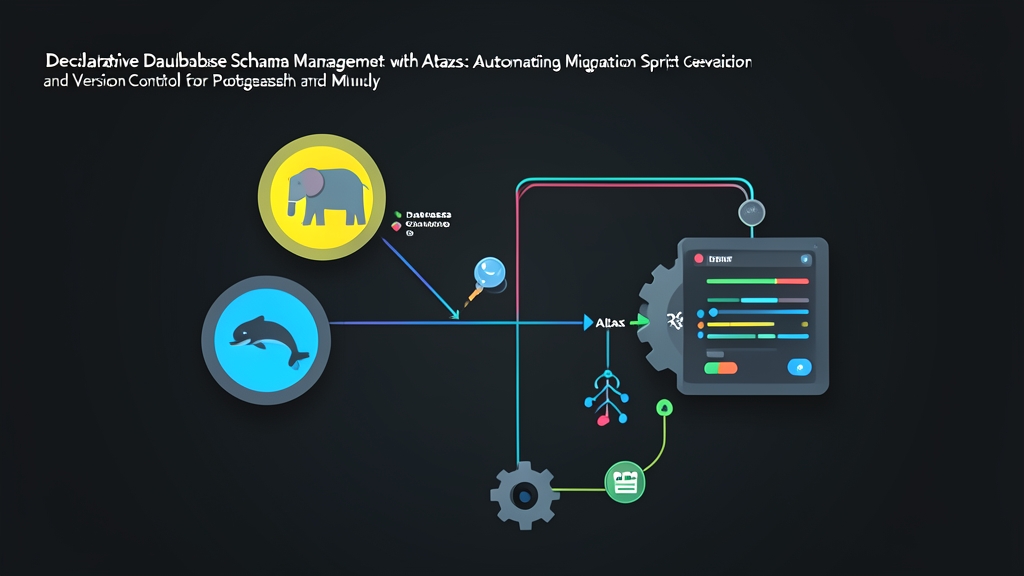
The Problem: Why Imperative Migrations Break at Scale
Most engineering teams deploy application code dozens of times a day using automated CI/CD pipelines. Yet database changes often lag behind, trapped in fragile manual workflows. Typically, teams rely on imperative migration tools like Flyway or Liquibase. Every schema adjustment requires an engineer to write an incremental script by hand—for instance, V14__add_status_to_users.sql containing explicit ALTER TABLE statements.
This pattern stumbles as team size grows. Imagine three engineers branching off main on the same afternoon. Two of them assign their migration file the prefix V15. Git merges cleanly, but the deployment pipeline crashes during rollout due to a duplicate sequence collision.
Even worse is schema drift. During an 03:00 incident, an engineer adds an index directly to a production replica to quell CPU spikes. That emergency index never reaches the Git repository. Months later, a fresh migration against that table fails or behaves unpredictably because production no longer mirrors local development.
Imperative migrations force you to specify how to execute intermediate steps. They rarely verify what the end state looks like across environments.
The Solution: Declarative Schemas with Atlas
Cloud engineering solved this challenge a decade ago. Tools like Terraform and Kubernetes replaced fragile shell scripts with declarative state definitions. You declare the desired state in code, and the reconciliation engine computes the steps needed to reach it.
Atlas brings this exact workflow to relational databases. Instead of hand-crafting procedural DDL scripts, you define your target state in plain SQL, Atlas HCL, or your ORM models (such as Prisma, GORM, or SQLAlchemy). Atlas calculates the mathematical diff between your live database and your desired state, then generates the appropriate migration statements automatically.
This distinction matters across different relational engines. PostgreSQL supports transactional DDL, allowing schema updates to roll back safely on failure. MySQL 8.0, by contrast, does not wrap DDL statements in atomic transactions. An accidental table lock on a 15-million-row MySQL table can stall traffic for minutes. Atlas understands these dialect differences out of the box. It offers two distinct operational modes:
- Schema Apply (Direct Declarative): Atlas inspects the target database and applies the diff immediately. This workflow is built for local development, review apps, and ephemeral test environments.
- Versioned Migrations (Declarative-driven Imperative): Atlas compares your desired state against your checked-in SQL files, generating deterministic, timestamped migration scripts for pull request review and production CI/CD pipelines.
Hands-on Walkthrough: PostgreSQL and MySQL
1. Installation
Install the standalone binary on your workstation or CI agent:
# macOS / Linux
curl -sSf https://atlasgo.sh | sh

# Verify the binary is ready
atlas version
2. Defining the Desired State in SQL
Create a directory called schema. While Atlas supports HCL, plain SQL DDL files work out of the box without requiring new configuration syntax. Save the following definitions inside schema/schema.sql:
-- schema/schema.sql
CREATE TABLE users (
    id BIGSERIAL PRIMARY KEY,
    email VARCHAR(255) NOT NULL UNIQUE,
    full_name VARCHAR(120) NOT NULL,
    created_at TIMESTAMPTZ NOT NULL DEFAULT CURRENT_TIMESTAMP
);

CREATE TABLE orders (
    id BIGSERIAL PRIMARY KEY,
    user_id BIGINT NOT NULL REFERENCES users(id) ON DELETE CASCADE,
    amount NUMERIC(10, 2) NOT NULL DEFAULT 0.00,
    status VARCHAR(50) NOT NULL DEFAULT 'pending',
    created_at TIMESTAMPTZ NOT NULL DEFAULT CURRENT_TIMESTAMP
);

CREATE INDEX idx_orders_user_status ON orders(user_id, status);
3. Inspecting an Existing Database
You rarely start projects from a clean slate. When bringing an established database under declarative management, dump the existing state with schema inspect:
# For PostgreSQL
atlas schema inspect \
  -u "postgres://postgres:secret@localhost:5432/store_prod?sslmode=disable" \
  > current_schema.sql

# For MySQL
atlas schema inspect \
  -u "mysql://root:secret@localhost:3306/store_prod" \
  > current_schema.sql
4. Applying Changes Directly in Local Development
Need to sync a local Docker container with your latest schema.sql edits? Skip manual migration scripts and run schema apply:
atlas schema apply \
  -u "postgres://postgres:secret@localhost:5432/store_dev?sslmode=disable" \
  --to "file://schema/schema.sql" \
  --dev-url "docker://postgres/16/dev"
The --dev-url flag provides Atlas with a disposable container environment. Atlas loads your schema onto this temporary instance first. It validates syntax, resolves cross-table dependencies, and simulates the diff safely before altering your target database.
5. Generating Version-Controlled Migration Files
Direct schema modification belongs in development, not production. Regulated staging and production environments demand immutable SQL files checked into Git for audits and peer reviews. Atlas reconciles this need by computing the required diff and authoring the migration script for you:
# Initialize the migration directory
mkdir -p migrations

# Generate a versioned migration comparing schema.sql against migrations/
atlas migrate diff add_orders_and_users \
  --dir "file://migrations" \
  --to "file://schema/schema.sql" \
  --dev-url "docker://postgres/16/dev"
Atlas generates two files inside migrations/:
migrations/20261102110130_add_orders_and_users.sql: The exact DDL statements needed to update the schema.migrations/atlas.sum: A cryptographic integrity checksum file. If another engineer alters an already-merged migration script, the checksum mismatches, preventing silent drift in your pipeline.
6. Pre-Deployment Linting and CI/CD Execution
Catch destructive changes before they reach staging. Running atlas migrate lint inside GitHub Actions checks for unsafe patterns, such as dropping a populated column or creating a non-concurrent index on a busy table:
# Run schema linting in CI against the main branch baseline
atlas migrate lint \
  --dir "file://migrations" \
  --dev-url "docker://postgres/16/dev" \
  --latest 1
Once approved and merged, deploy the generated migrations during your container release job:
atlas migrate apply \
  --dir "file://migrations" \
  --url "postgres://db_admin:${DB_PASSWORD}@prod-primary.internal:5432/store_prod"
Summary
Imperative migration scripts make schema maintenance an error-prone chore. Adopting declarative schema management with Atlas unites your database lifecycle with modern CI/CD standards. You define the desired state once, allow the engine to generate verified DDL, and use integrity hashing to keep PostgreSQL and MySQL databases in lockstep across every tier.