The Chaos of Distributed Dependencies
I once spent a Friday evening watching our CI/CD pipeline fail repeatedly because of a single missing dependency. We weren’t doing anything complex; we were just trying to push a hotfix. The culprit was a small library on a public registry that the author had suddenly deleted—a scenario famously known as the ‘left-pad’ incident. Because we pulled directly from the internet, our entire workflow broke. We had no local backup and zero control.
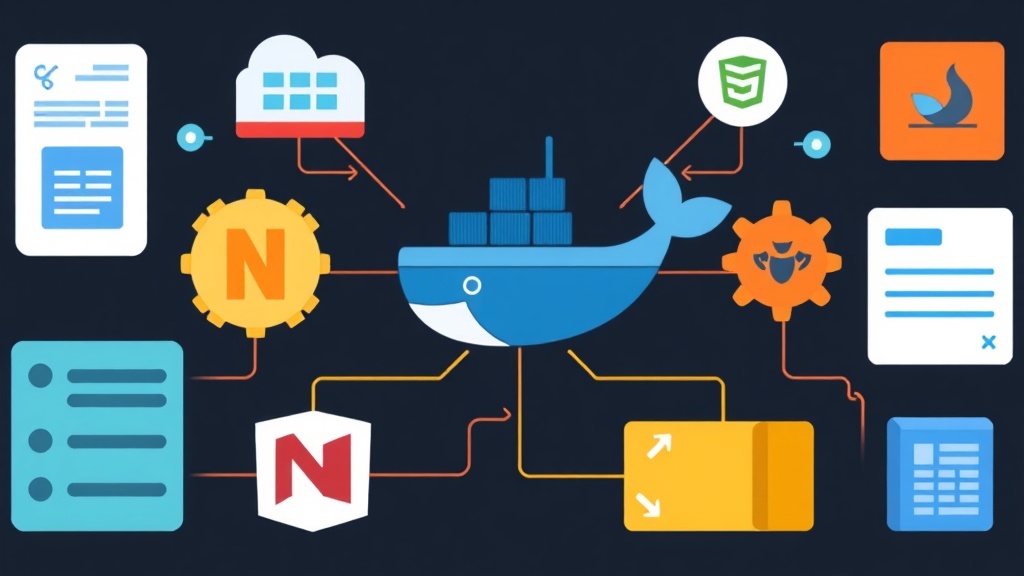
This isn’t just a freak occurrence. Relying solely on public registries is a gamble. Docker Hub now enforces a strict limit of 100 pulls every six hours for anonymous users. Furthermore, public packages can be compromised or disappear without warning. A centralized artifact repository acts as a local safety net, a high-speed cache, and a secure vault for your team’s proprietary code.
What Exactly is Sonatype Nexus?
Sonatype Nexus Repository Manager (OSS) is a free tool for storing and organizing software artifacts. Think of it as your company’s private version of the App Store. While it supports dozens of formats, most teams rely on it to manage Docker images, Java JAR files, and JavaScript packages.
Understanding Proxy, Hosted, and Group Repositories
Success with Nexus starts with understanding its three core repository types. This logic is what makes the system so efficient:
- Proxy Repositories: These act as a local cache. When a developer requests a package from Maven Central, Nexus downloads it once and saves a copy. The next person to need that package gets it directly from your local network at gigabit speeds.
- Hosted Repositories: This is where your internal code lives. When you build a private library that shouldn’t be shared with the world, you publish it here.
- Group Repositories: This feature merges multiple repositories into one single URL. Your build tools only need to look at one endpoint to find both public and private packages.
Setting Up Your Nexus Instance
Running Nexus as a Docker container is the fastest way to get started. It keeps your host environment clean and simplifies future upgrades.
# Create a volume for data persistence
docker volume create nexus-data

# Run the Nexus container
docker run -d -p 8081:8081 --name nexus -v nexus-data:/nexus-data sonatype/nexus3:latest
Wait about 60 seconds for the service to initialize, then head to http://localhost:8081. You will need an initial admin password to log in. Retrieve it by running this command:
docker exec nexus cat /nexus-data/admin.passwordNexus will prompt you to change this password immediately. For internal teams, I recommend allowing anonymous read access. This allows your CI/CD runners to pull dependencies without managing complex credentials, while you keep write access strictly protected.
Hosting Private Maven Packages
Java builds often slow down when downloading hundreds of small JAR files. To use Nexus as your Maven hub, you must first configure your settings.xml file, typically found in ~/.m2/.
After creating a Maven2 (hosted) repository in the UI, add these credentials to your local settings:
<settings>
  <servers>
    <server>
      <id>nexus-snapshots</id>
      <username>admin</username>
      <password>your-new-password</password>
    </server>
    <server>
      <id>nexus-releases</id>
      <username>admin</username>
      <password>your-new-password</password>
    </server>
  </servers>
</settings>
Next, update your project’s pom.xml to point the mvn deploy command toward your Nexus instance:
<distributionManagement>
  <repository>
    <id>nexus-releases</id>
    <url>http://localhost:8081/repository/maven-releases/</url>
  </repository>
  <snapshotRepository>
    <id>nexus-snapshots</id>
    <url>http://localhost:8081/repository/maven-snapshots/</url>
  </snapshotRepository>
</distributionManagement>
Speeding Up NPM Installs
Modern web projects often have massive node_modules folders. By setting up an NPM (proxy) in Nexus, you can slash npm install times by 50% or more across your team. To point your local environment to Nexus, run:
npm config set registry http://localhost:8081/repository/npm-all/If you need to share a private UI component library between microservices, use an NPM (hosted) repository. You can log in via the CLI using your Nexus credentials:
npm login --registry=http://localhost:8081/repository/npm-internal/Running a Private Docker Registry
Nexus is a game-changer for Docker users. By hosting your own registry, you bypass Docker Hub’s pull limits and keep large multi-gigabyte images within your local network. This makes docker pull operations nearly instantaneous.
When you create a Docker (hosted) repository, assign it a unique port like 8082. The Docker CLI requires a dedicated port to talk to the registry API correctly. If you aren’t using HTTPS in your lab environment, tell Docker to trust the local registry:
# Add this to /etc/docker/daemon.json
{
  "insecure-registries" : ["localhost:8082"]
}
Now you can tag and push your images in seconds:
docker login localhost:8082
docker tag my-app:latest localhost:8082/my-app:v1.0
docker push localhost:8082/my-app:v1.0
Essential Maintenance Tips
Storage fills up faster than you expect. A team of 10 developers can easily generate 50GB of artifacts in a month through automated builds. Always set up Cleanup Policies. For example, configure Nexus to delete Docker images or Maven snapshots that haven’t been downloaded in 30 days.
Don’t forget to back up the /nexus-data directory. This folder contains every configuration setting and every artifact you’ve ever stored. If your container crashes and you lose this data, your entire build pipeline will stay down until you manually re-upload every dependency.
Final Thoughts
Switching to a centralized artifact strategy is a major step toward a mature DevOps pipeline. It provides stability, slashes bandwidth costs, and gives you absolute control over your software supply chain. Setting up Nexus takes less than an hour, but the reliability it brings to your builds will save you countless headaches during your next critical deployment.