Linux Distro Comparison: Ubuntu vs CentOS vs Debian vs Arch

Linux Distro Comparison: Ubuntu vs CentOS vs Debian vs Arch

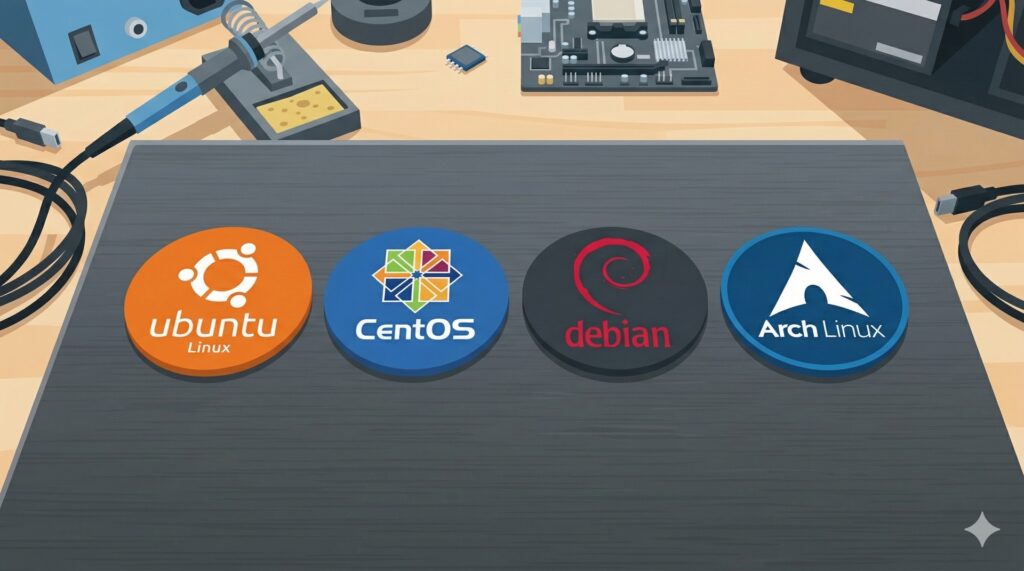
Navigating Linux distributions can be tough, especially when critical deployments are on the line. This guide compares Ubuntu, CentOS, Debian, and Arch, providing clear insights into their strengths and weaknesses. Learn which distro best suits your production servers, development environments, or personal use, complete with practical setup examples and commands.

Linux tutorial - IT technology blog

Automated Backup with rsync and cron: Stop Losing Data the Hard Way

Manual backup routines break down under real workload pressure — not from laziness, but from how humans actually work. This guide covers how to pair rsync with cron for a reliable automated backup system on Linux, including incremental transfers, SSH remote sync, versioned copies, and a production-ready script with logging.
Linux tutorial - IT technology blog

Linux Package Managers Compared: apt vs yum vs dnf vs pacman

apt, yum, dnf, and pacman all install software — but the commands, config files, and behaviors differ significantly across Linux distros. This guide covers installing, configuring, and monitoring packages on Debian, RHEL, Fedora, and Arch systems with practical side-by-side examples.
Linux tutorial - IT technology blog

LVM on Linux: Flexible Disk Management Without the Headaches

LVM (Logical Volume Manager) lets you resize Linux partitions live, add disks to an existing storage pool, and take point-in-time snapshots — all without downtime. This guide covers PV/VG/LV concepts and the practical commands that matter most in real-world server management.
Linux tutorial - IT technology blog

How to Configure Nginx as Web Server and Reverse Proxy on Ubuntu

Running an app directly on port 3000 works right up until you need HTTPS, multiple backends, or proper static file serving. This guide walks through configuring Nginx as both a static web server and reverse proxy on Ubuntu, covering server blocks, proxy headers, SSL with Let's Encrypt, and the monitoring commands you'll reach for after every deploy.