The 2 AM Production Alert: When Traditional Container Security Fails
At 2:14 AM on a Tuesday, my phone started screaming. PagerDuty threw a critical priority alert: an unexpected outbound TCP socket connection to a flagged IP address in Eastern Europe, originating straight from our payment service pod. I hopped onto our VPN, opened a terminal, and queried kubectl logs. The output was clean. The application showed standard HTTP 200 responses, and the container filesystem revealed zero modified binaries on disk.
The intrusion unfolded fast. An attacker had exploited a remote code execution bug in an unpatched JSON parser dependency. They injected an ephemeral payload directly into process memory via memfd_create, opened a reverse shell over port 443, and began dumping production database credentials from environment variables.
Traditional Kubernetes security scanners relying on user-space polling had missed the entire execution window. They generated an alert four minutes later. By then, 42 megabytes of customer records had already left our VPC.
Traditional user-space agents share a fatal bottleneck: latency. If an intruder grabs root permissions inside a container namespace, they can kill local audit daemons or blind log collectors before alerts reach your SIEM. Blocking an attack requires defenses beneath the container runtime. You need control directly inside the operating system kernel.
How Tetragon and eBPF Protect Kubernetes at the Kernel Layer
Extended Berkeley Packet Filter (eBPF) shifts how Linux handles security observability and enforcement. Rather than compiling custom kernel modules or patching upstream code, platform engineers can run verified, sandboxed bytecode directly inside the kernel. These programs execute in response to events like system calls, socket updates, or tracepoints.
Cilium Tetragon is an open-source security observability and runtime enforcement platform built on eBPF. Most runtime tools simply write audit events for post-incident reviews. Tetragon acts synchronously right on the kernel execution path. When a rogue binary calls execve, Tetragon checks your security rules before the kernel finishes the system call. If the command violates a policy, Tetragon fires a SIGKILL directly within the kernel. The process dies before it runs its first instruction.
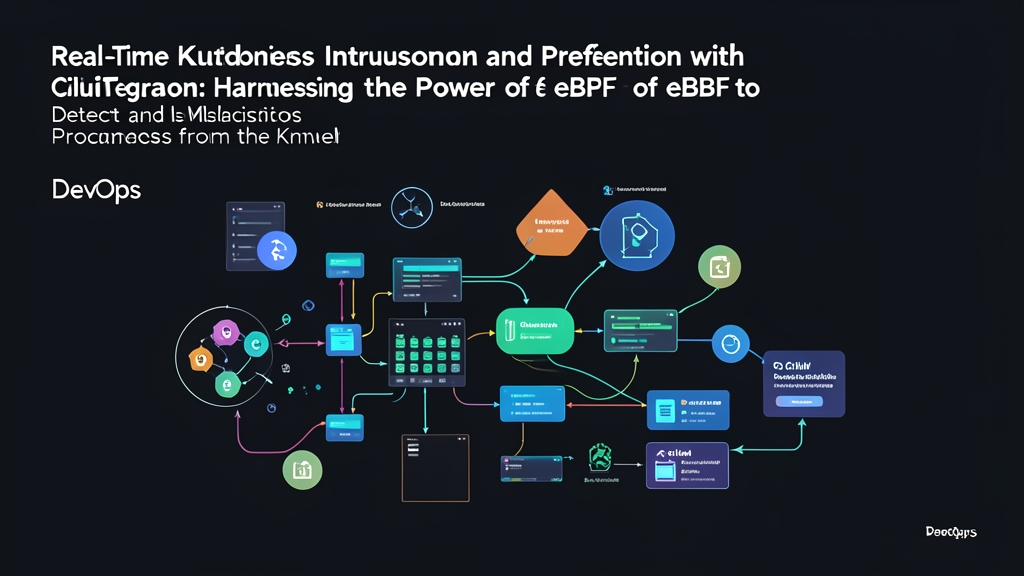
Three core pieces make this engine run:
- Kernel-Space eBPF Sensors: Programs hooked into Linux tracepoints and kprobes, intercepting raw system calls with sub-25 microsecond latency.
- Tetragon Daemon: Runs as a DaemonSet across your nodes, matching low-level kernel events to pod names, namespaces, container IDs, and Kubernetes labels.
- TracingPolicy CRDs: Kubernetes resources that declare which system calls to watch, which filters to evaluate, and what enforcement actions to take on violation.
Deploying Tetragon and Stopping In-Container Attacks
Now let us deploy Tetragon on a live Kubernetes cluster, stream real-time kernel signals, and build an active enforcement rule to block unauthorized container shells.
Step 1: Installing Tetragon via Helm
Worker nodes require a Linux kernel version of 5.4 or newer with BTF (BPF Type Format) enabled. This comes standard on Ubuntu 22.04+, Amazon Linux 2023, and Talos Linux. Add the Cilium repository and install the Tetragon chart into kube-system:
helm repo add cilium https://helm.cilium.io
helm repo update

helm install tetragon cilium/tetragon \
  --namespace kube-system \
  --set tetragon.exportAllowList='{"event_types":["PROCESS_EXEC","PROCESS_EXIT","PROCESS_KPROBE"]}'
Confirm the DaemonSet pods are healthy across all nodes:
kubectl get pods -n kube-system -l app.kubernetes.io/name=tetragon -o wideStep 2: Inspecting Real-Time Kernel Events
Skip writing log parsers just to observe execution traces. You can stream structured events directly using the bundled tetra CLI tool inside a running agent pod:
kubectl exec -ti -n kube-system daemonset/tetragon -c tetragon -- tetra getevents -o compactOpen another shell tab, start a generic test pod, and trigger a basic command:
kubectl run demo-app --image=nginx:1.27-alpine
kubectl exec -it demo-app -- /bin/sh -c "whoami"
The tetra stream catches the kernel call instantly, decorated with Kubernetes context:
🚀 process default/demo-app /bin/sh -c whoami
🚀 process default/demo-app /usr/bin/whoami
💥 exit    default/demo-app /usr/bin/whoami 0
💥 exit    default/demo-app /bin/sh 0
Step 3: Creating an Active Enforcement Policy
Passive monitoring would not have stopped my team’s 2 AM breach. Production containers rarely need interactive shells, port scanners like nc, or download tools like curl and wget.
Here is an active TracingPolicy. It watches sys_execve and delivers a kernel-level Sigkill whenever an unauthorized shell or network utility runs inside pods labeled tier: payment-gateway:
apiVersion: cilium.io/v1alpha1
kind: TracingPolicy
metadata:
  name: block-payment-unauthorized-exec
spec:
  podSelector:
    matchLabels:
      tier: payment-gateway
  kprobes:
    - call: "sys_execve"
      syscall: true
      args:
        - index: 0
          type: "string"
      selectors:
        - matchArgs:
            - index: 0
              operator: "InSet"
              values:
                - "/bin/sh"
                - "/bin/bash"
                - "/usr/bin/nc"
                - "/usr/bin/ncat"
                - "/usr/bin/curl"
                - "/usr/bin/wget"
          matchActions:
            - action: Sigkill
Apply the enforcement policy:
kubectl apply -f block-payment-unauthorized-exec.yamlStep 4: Simulating an Attack and Verifying In-Kernel Isolation
Spin up a mock payment container carrying the targeted label:
kubectl run payment-service --image=nginx:1.27-alpine --labels="tier=payment-gateway"
kubectl wait --for=condition=Ready pod/payment-service
Try running an interactive shell to simulate an attacker enumerating the container environment:
kubectl exec -it payment-service -- /bin/shThe session terminates immediately instead of opening a prompt:
command terminated with exit code 137Exit code 137 represents signal 9 (SIGKILL, calculated as 128 + 9). The Linux kernel caught the execve call, matched the string in an eBPF map, and destroyed the offending thread before it hit CPU execution registers. The primary web server process stayed online. It continued serving legitimate traffic without dropping a single active connection.
Hardening Workloads from the Inside Out
Network policies and edge firewalls are critical, but they cannot spot malicious activity taking place entirely in memory. When an exploit bypasses application boundaries, your defenses must react in microseconds rather than minutes.
Running Tetragon across our 85-node production cluster introduced less than 1.2% CPU overhead and zero noticeable memory bloat. Start by running Tetragon in audit-only mode for two weeks to map your workloads’ normal system call profiles. Once you establish reliable baselines, switch on Sigkill enforcement for sensitive workloads to neutralize zero-day intrusions on the spot.